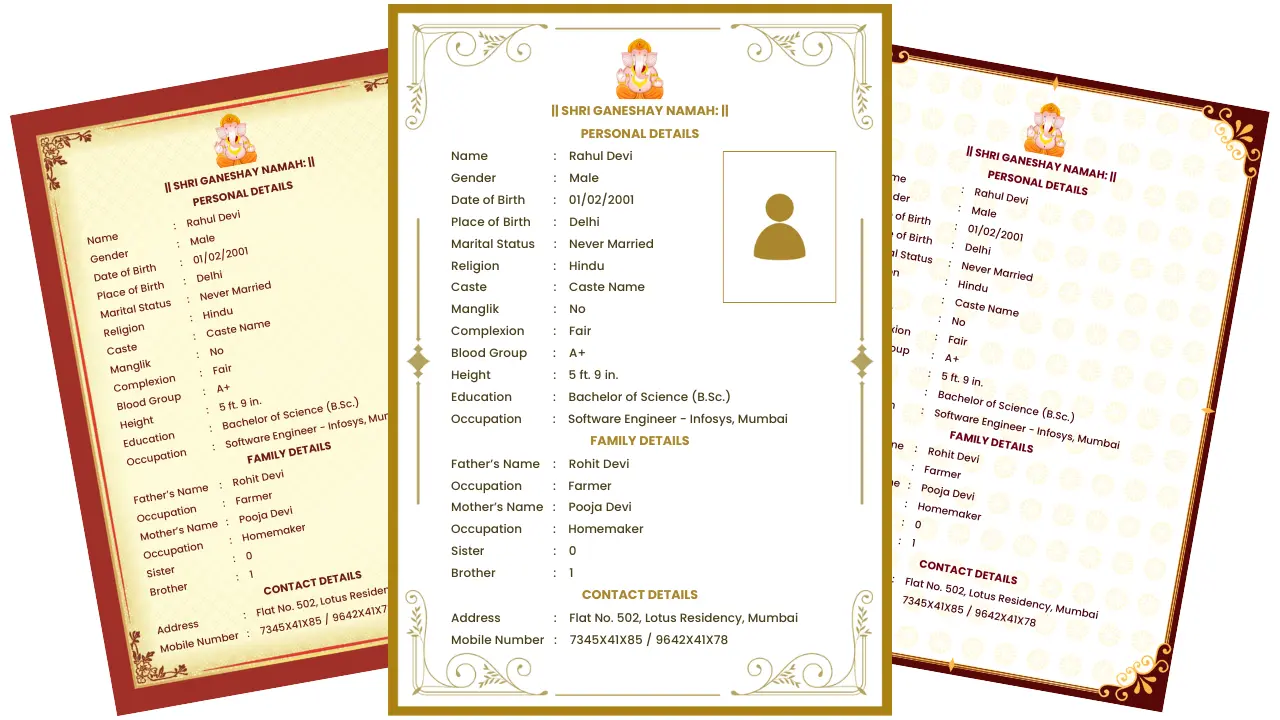
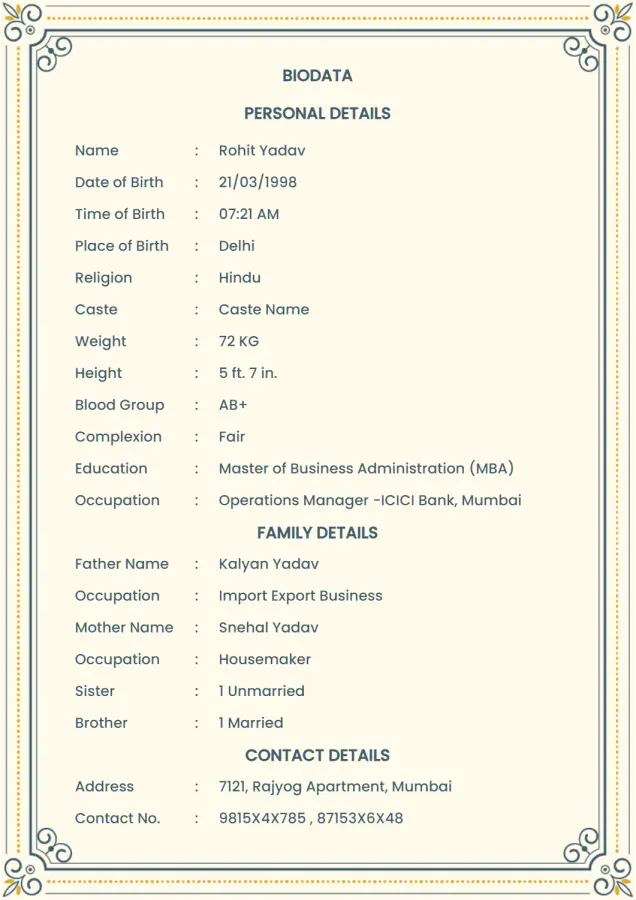
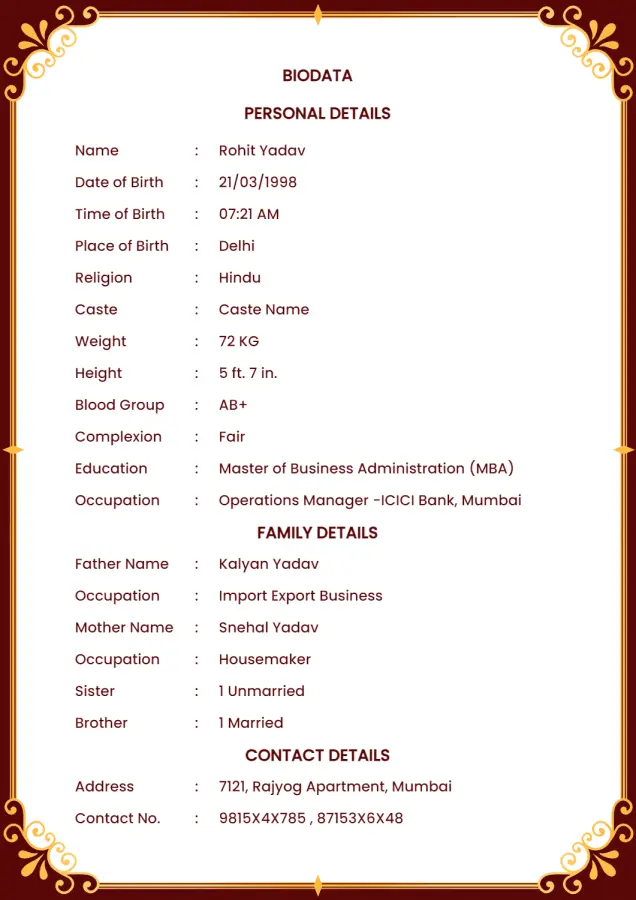
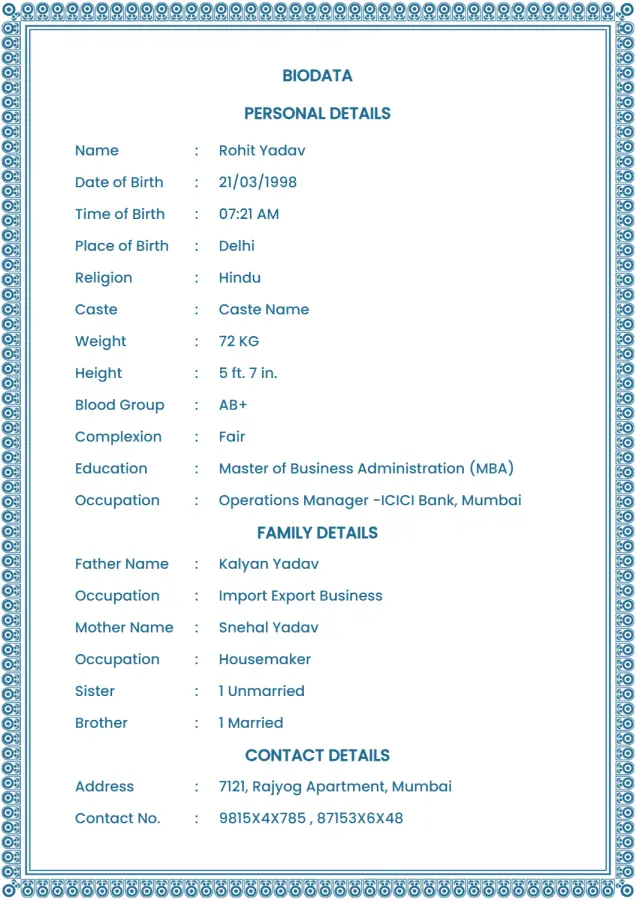
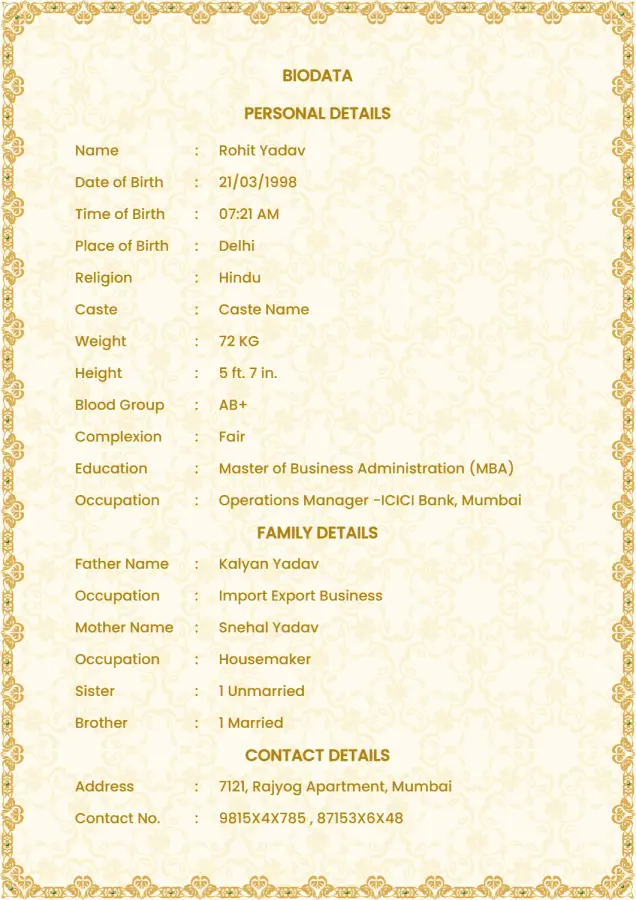
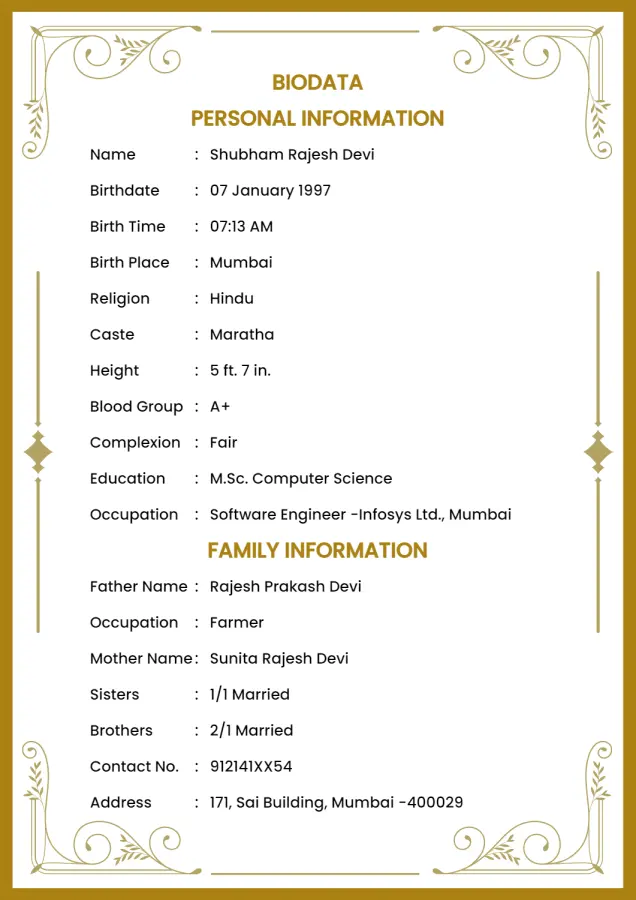
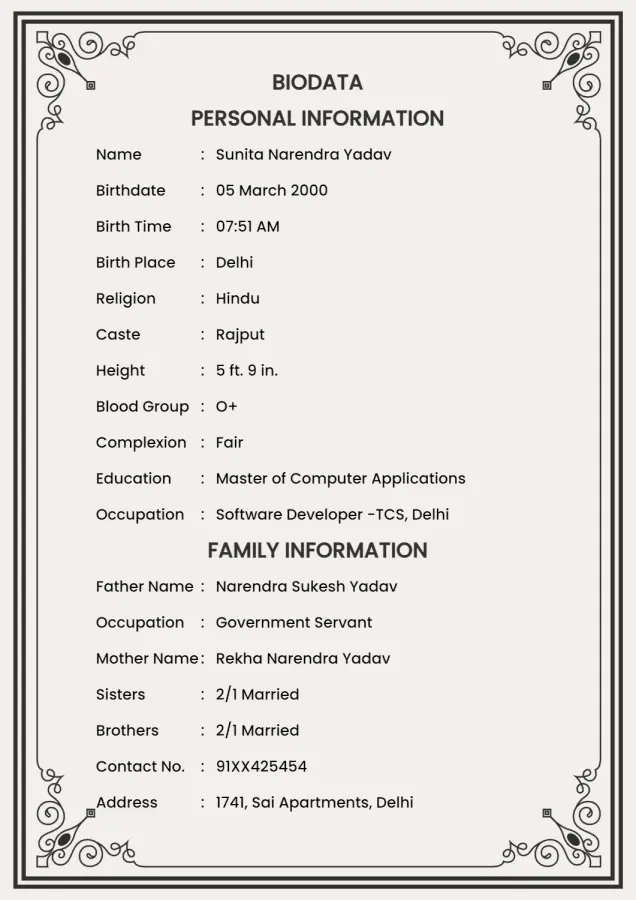
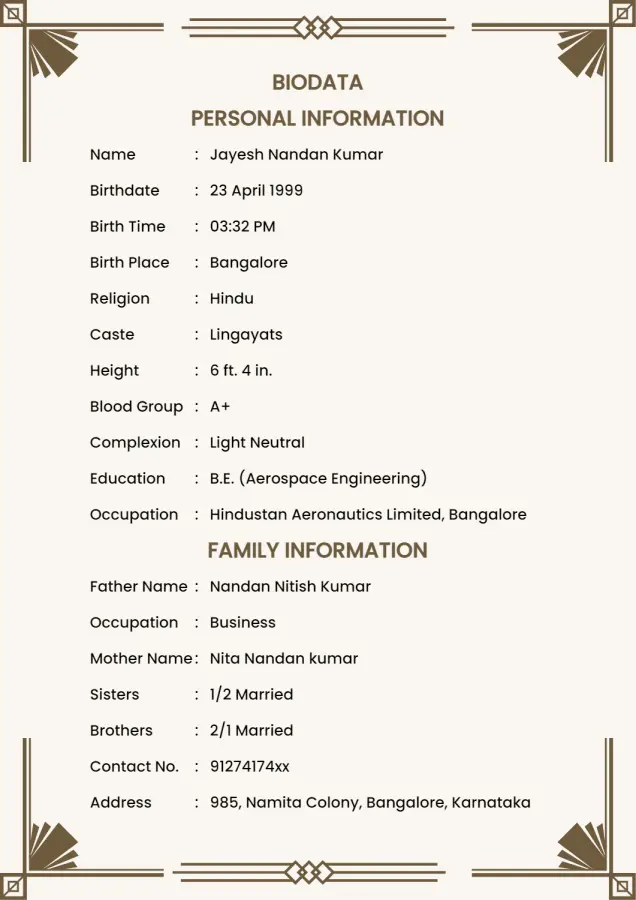
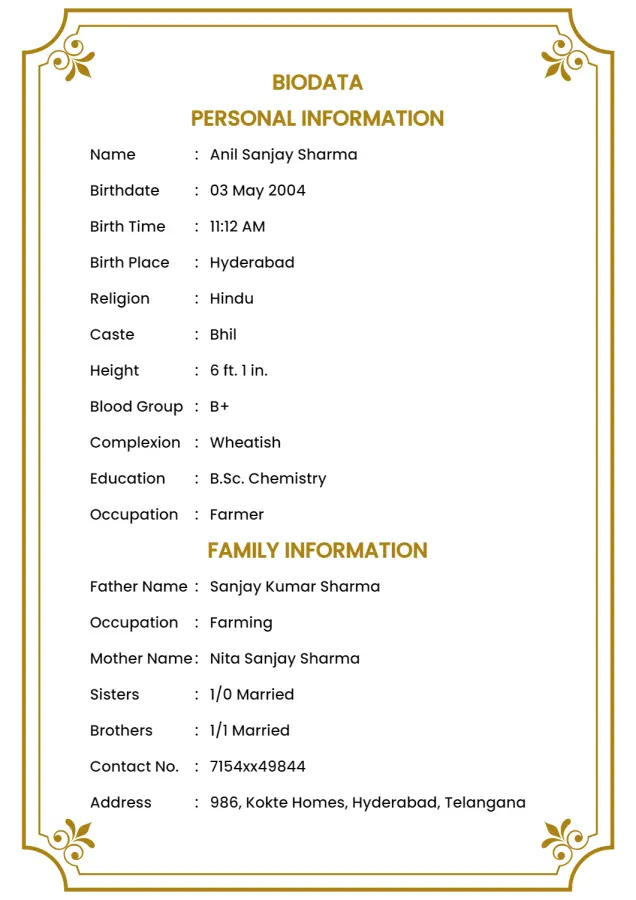
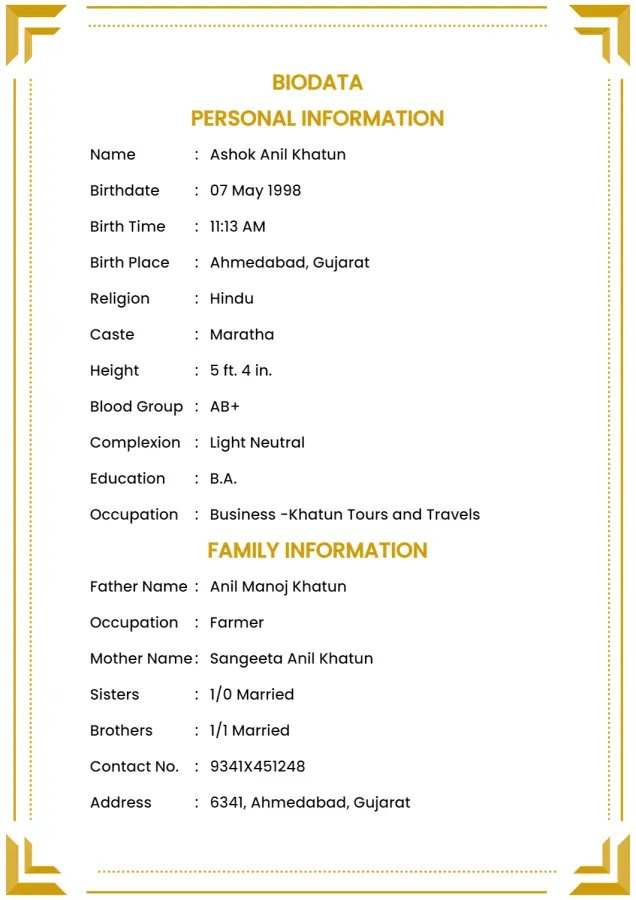
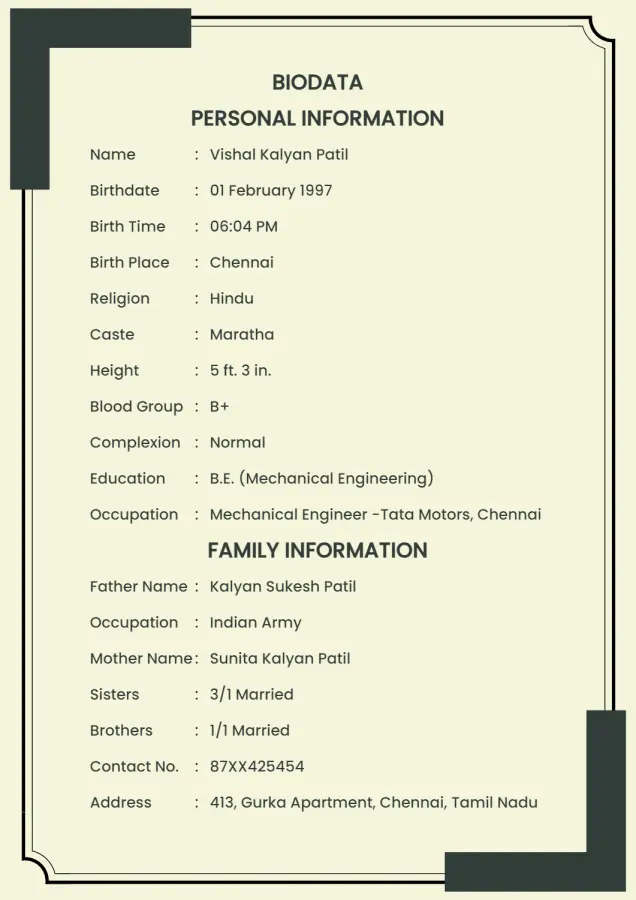
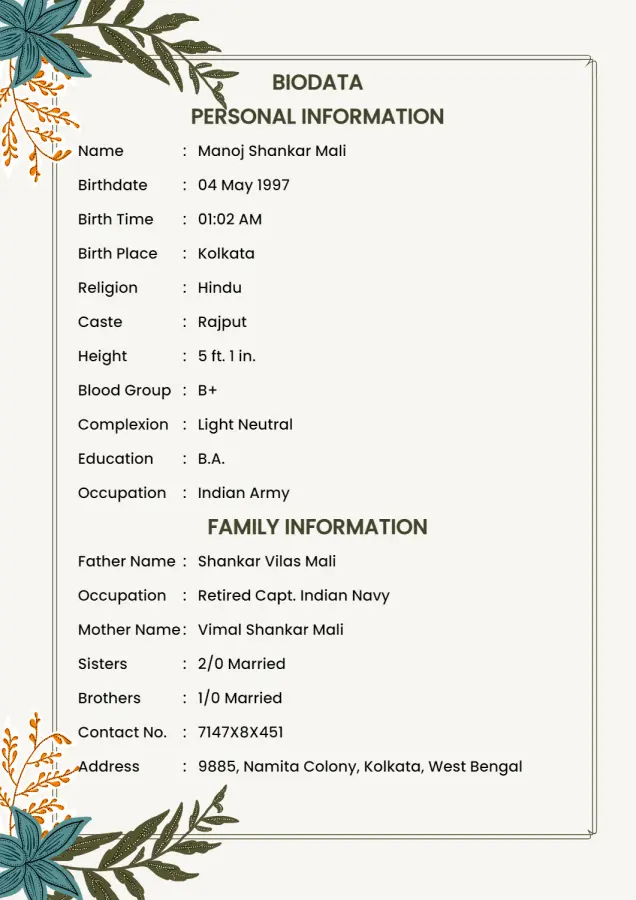
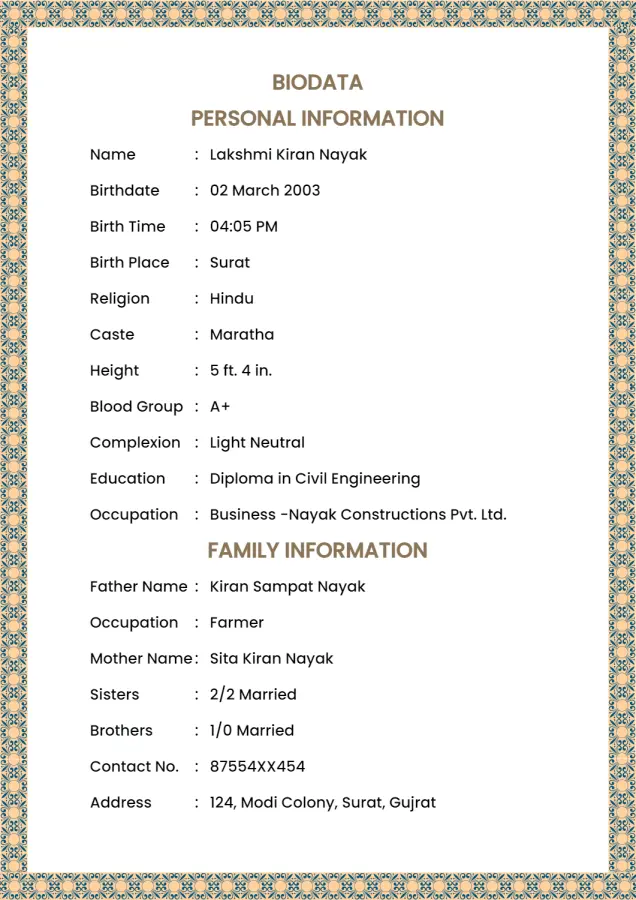
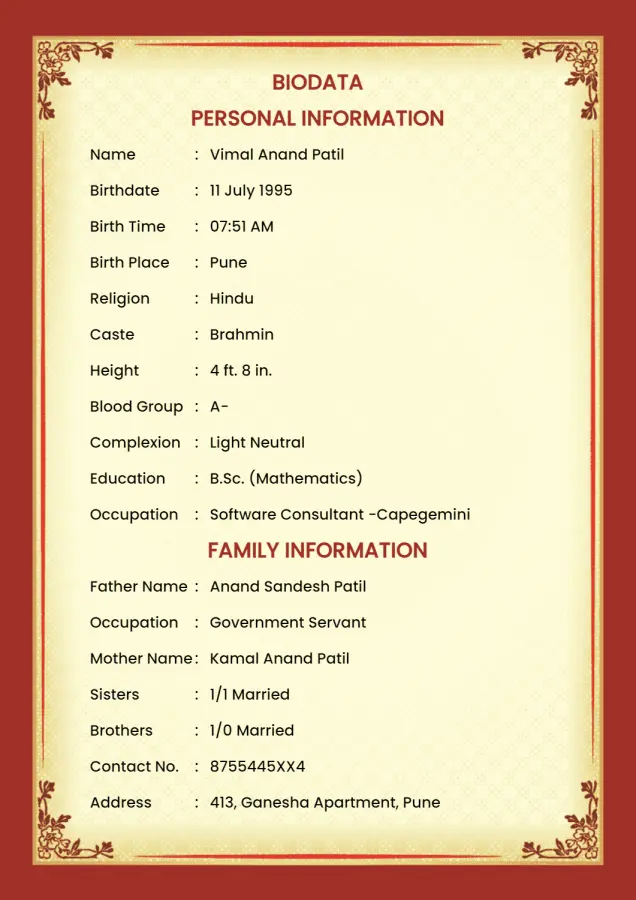
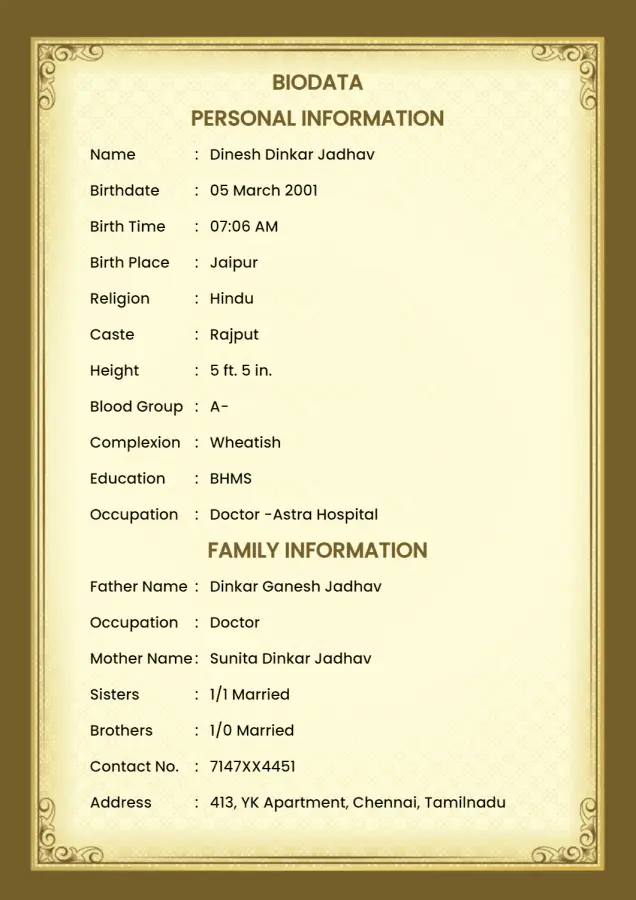
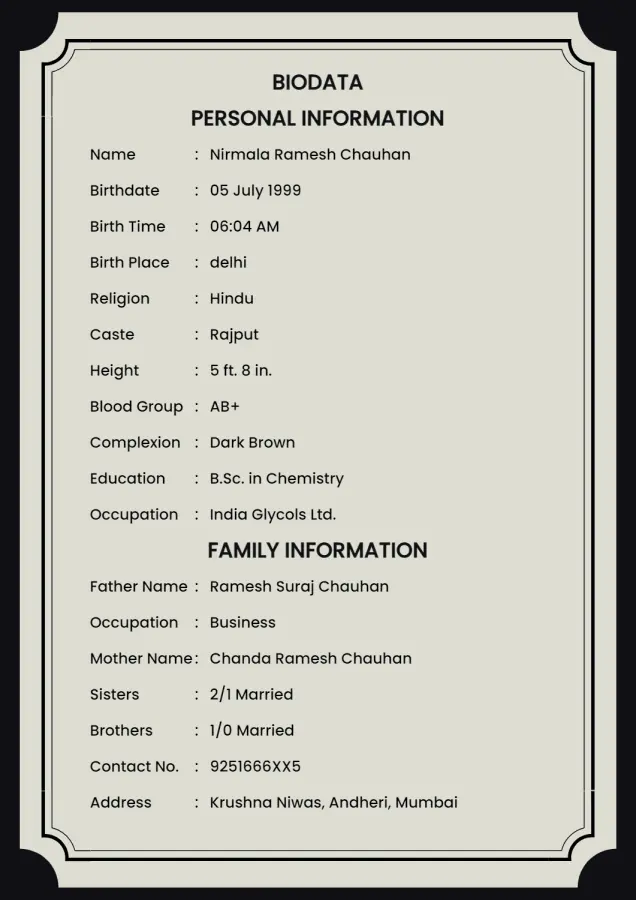
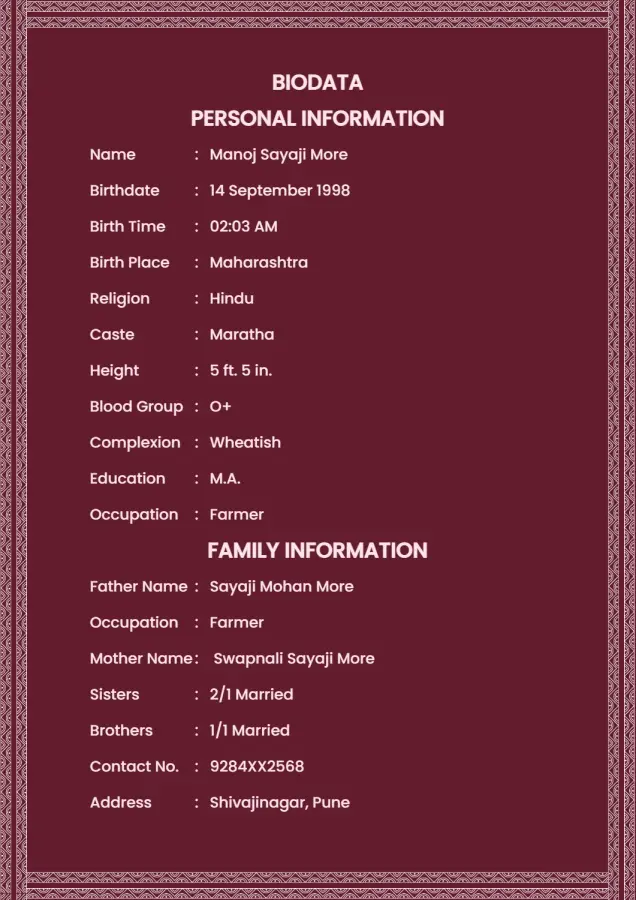
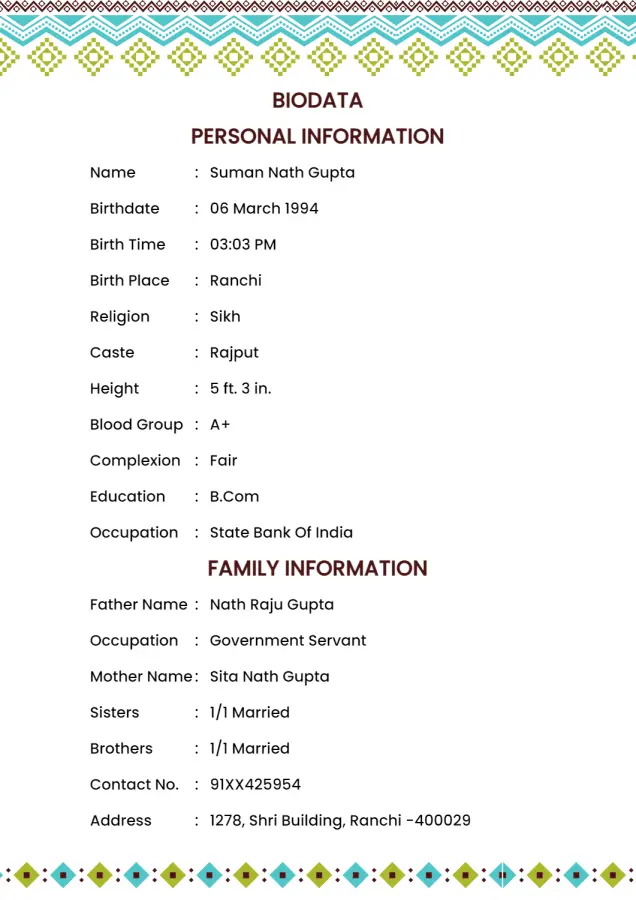
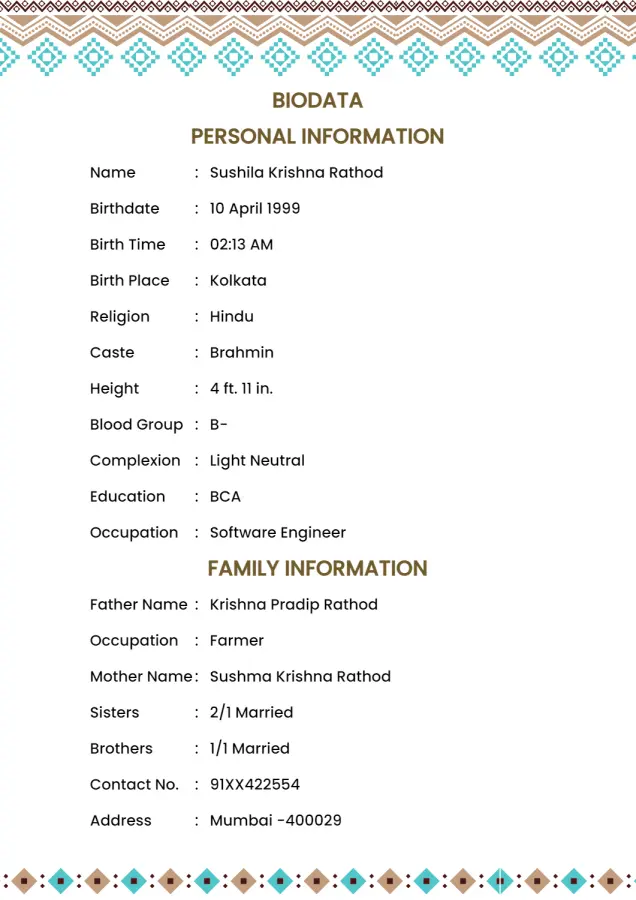
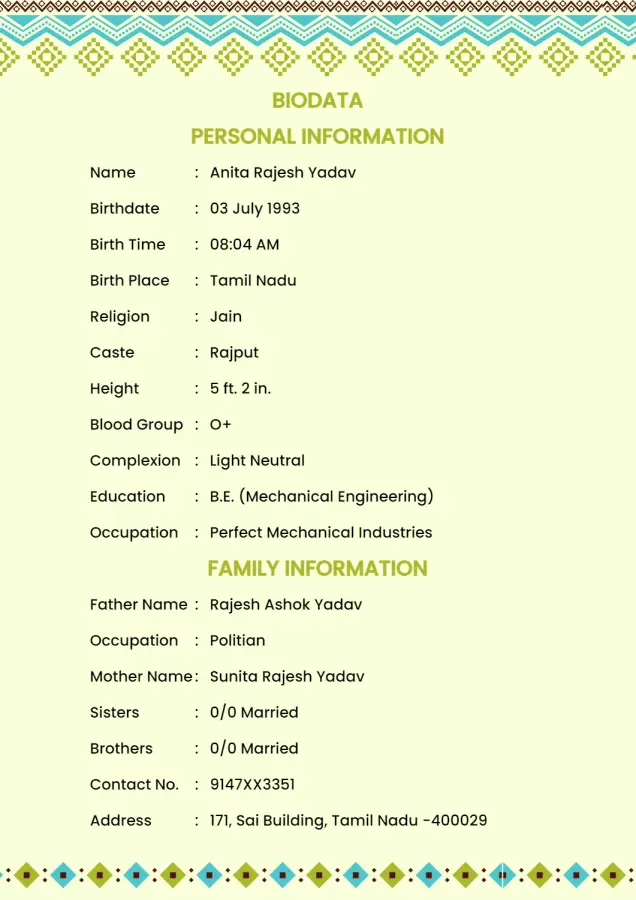
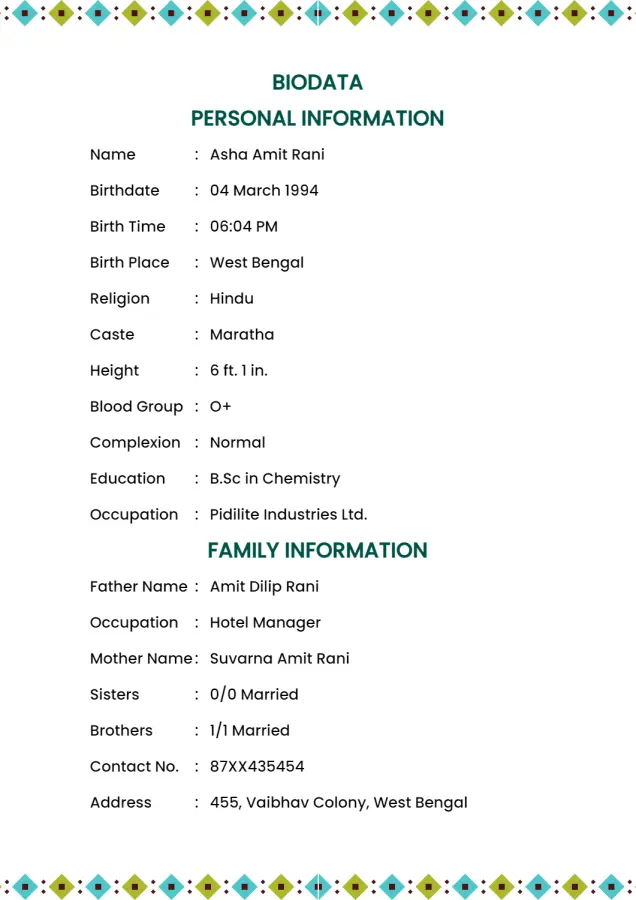
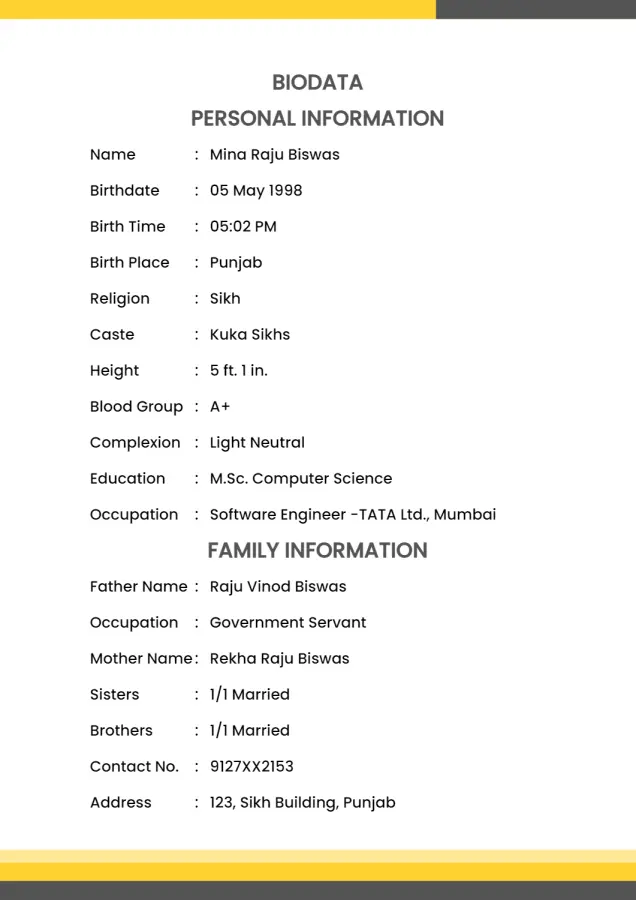
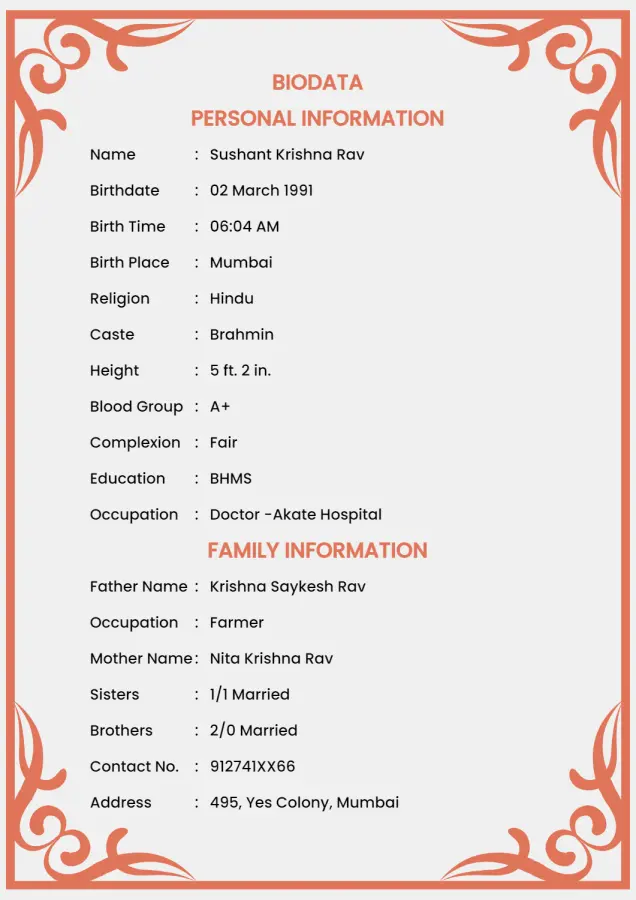
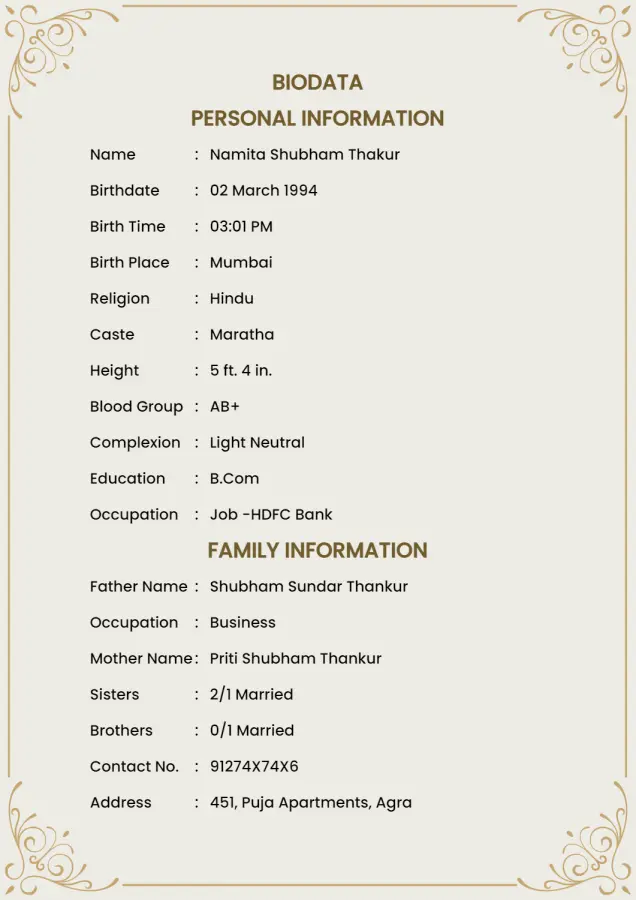
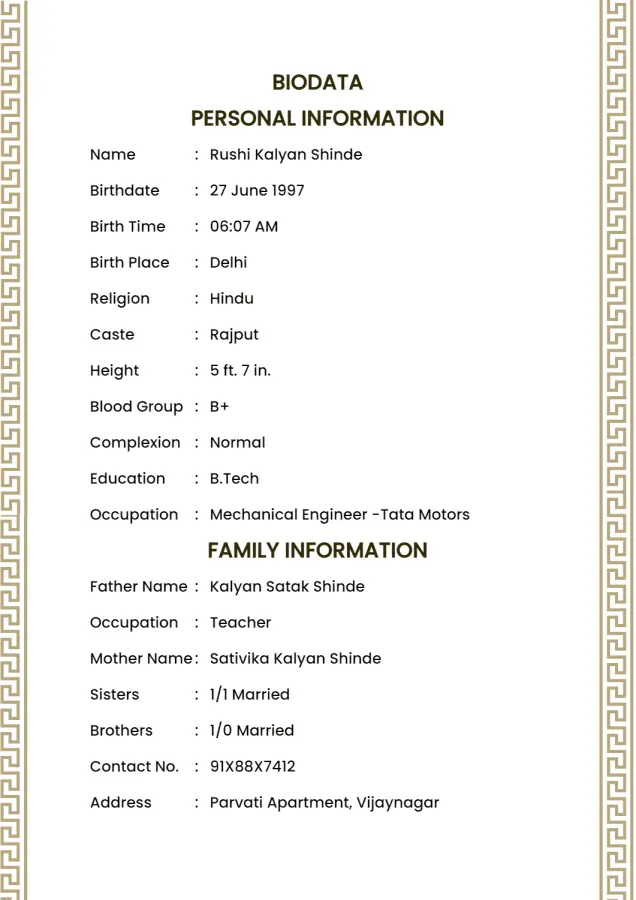
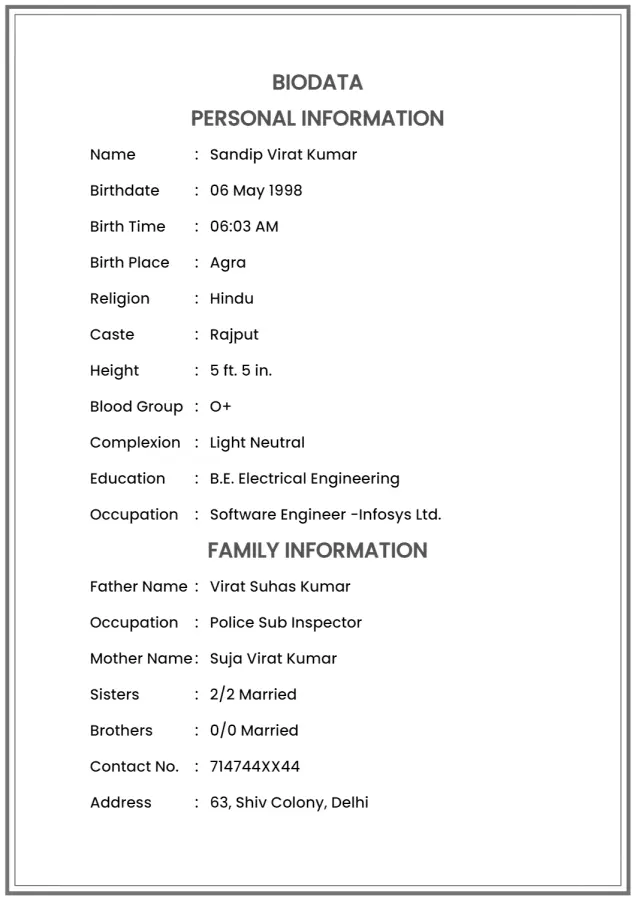
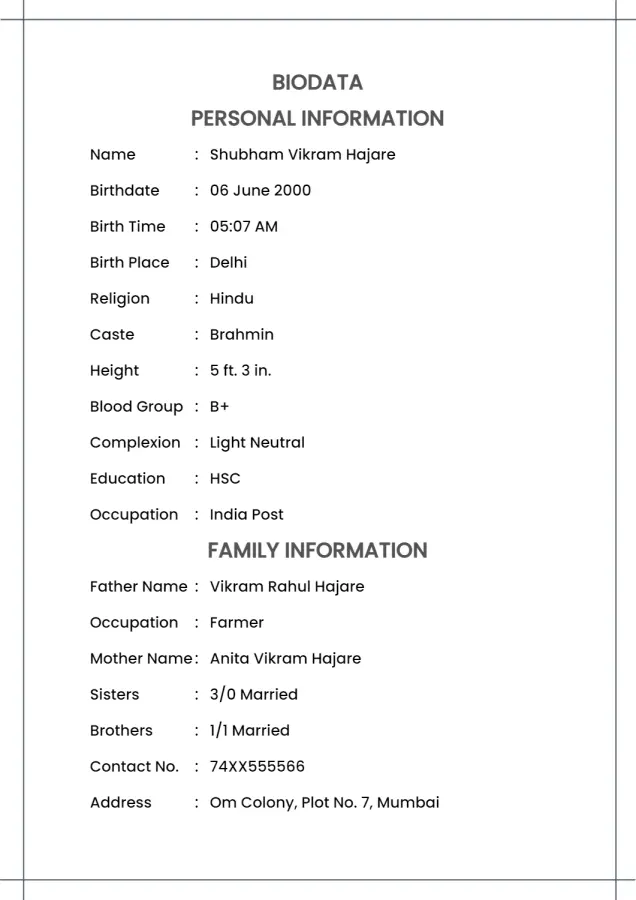
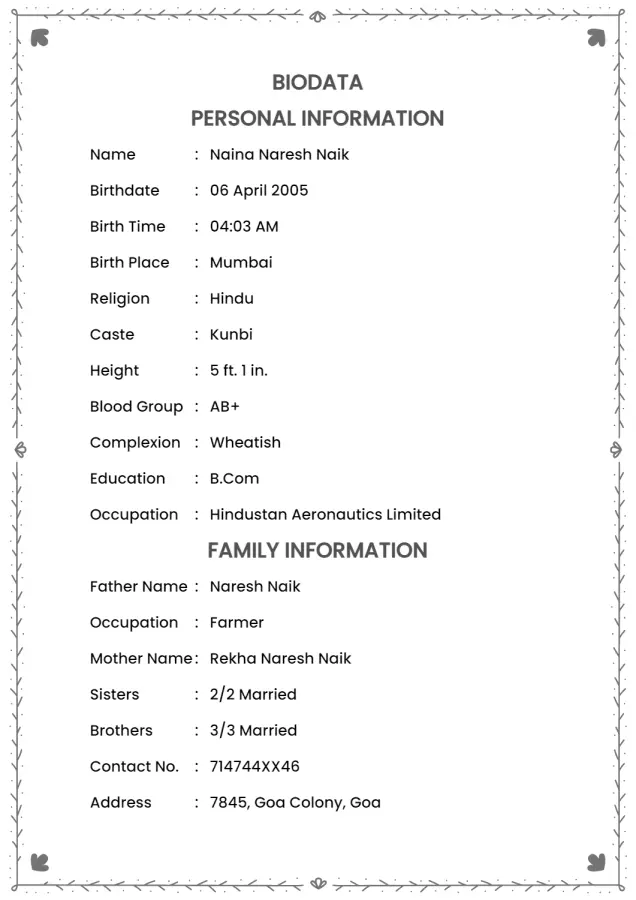
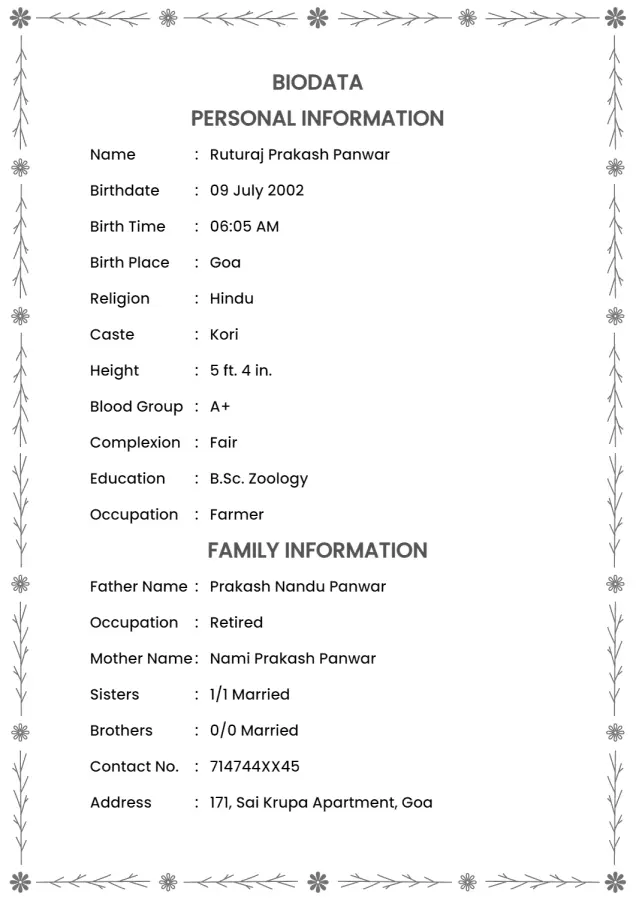
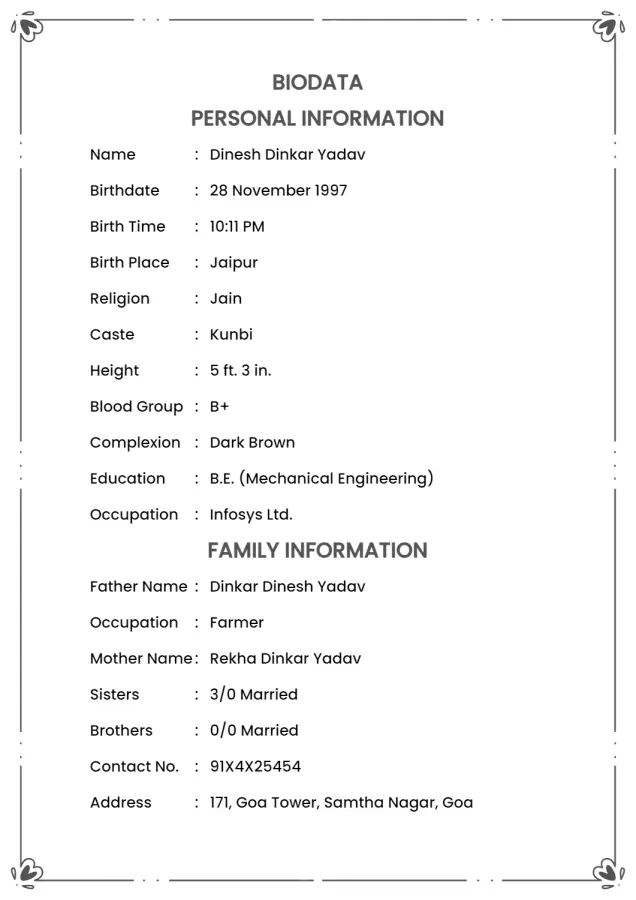
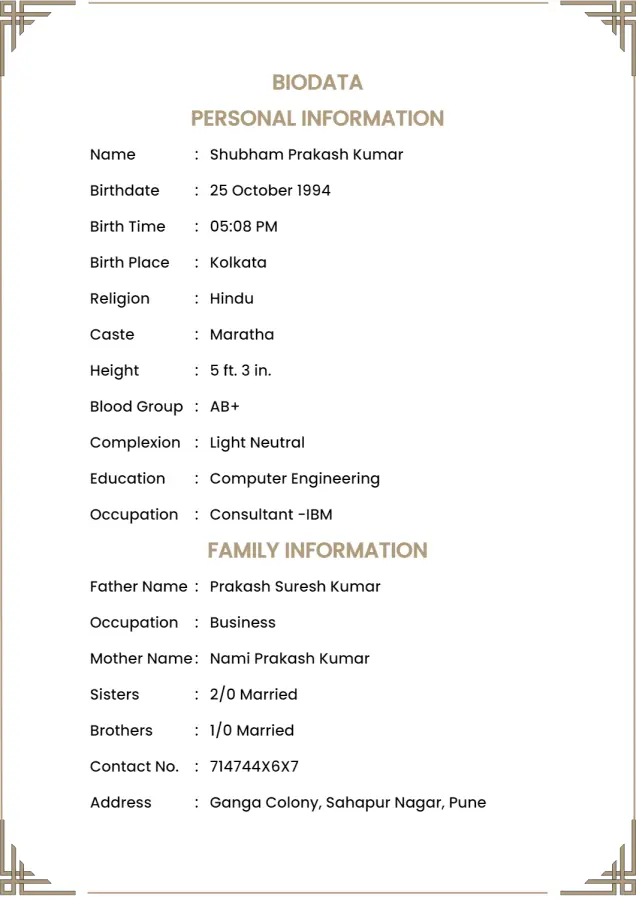
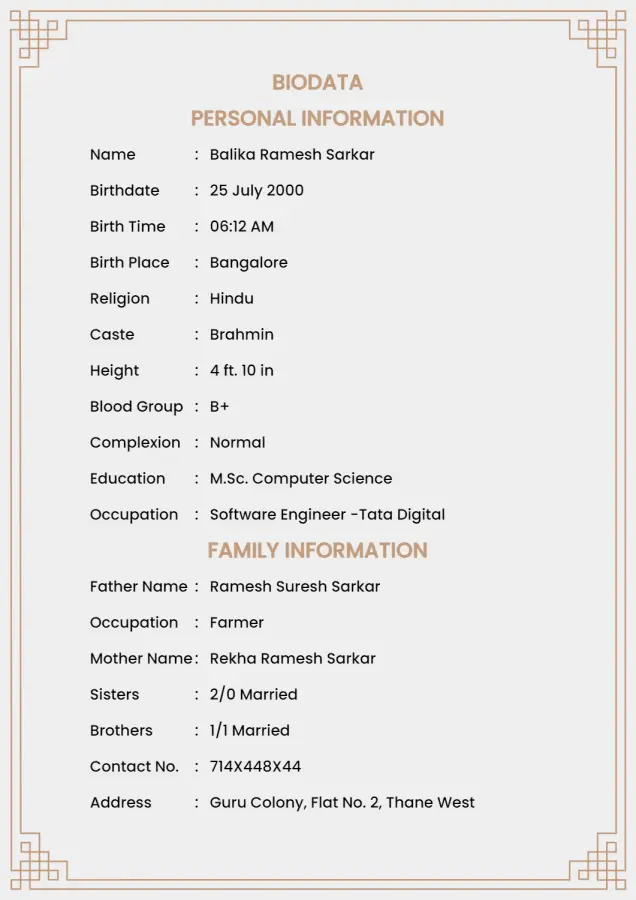
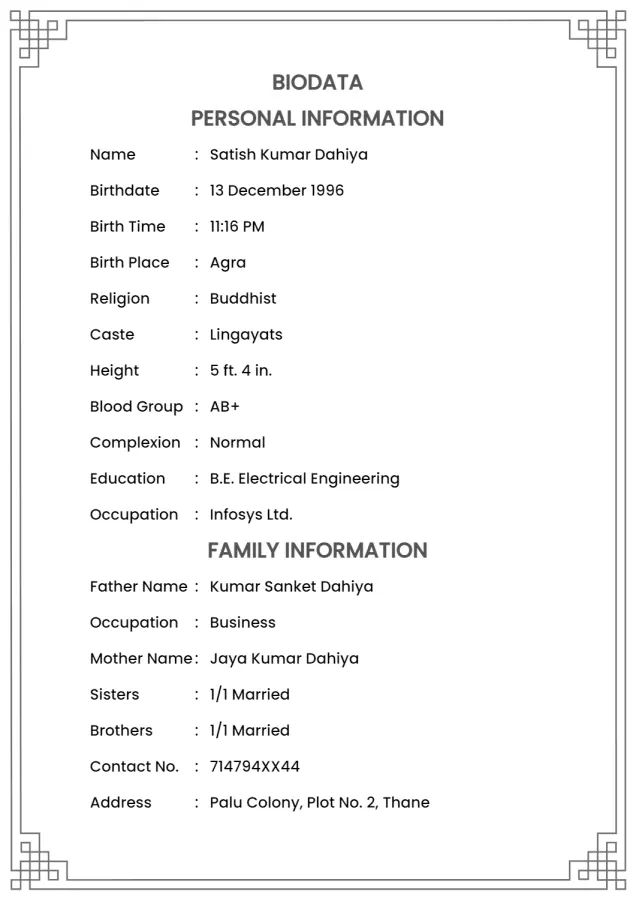
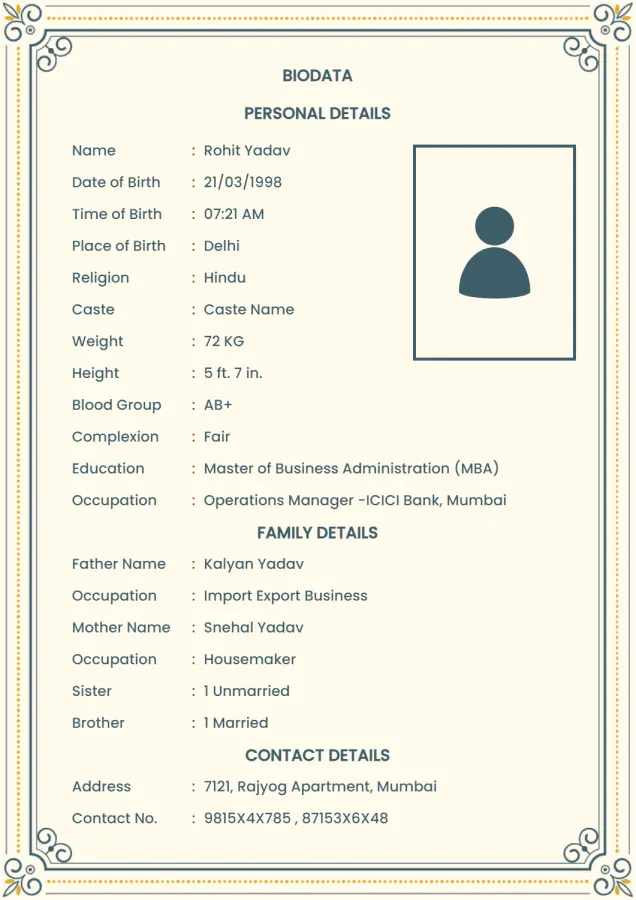
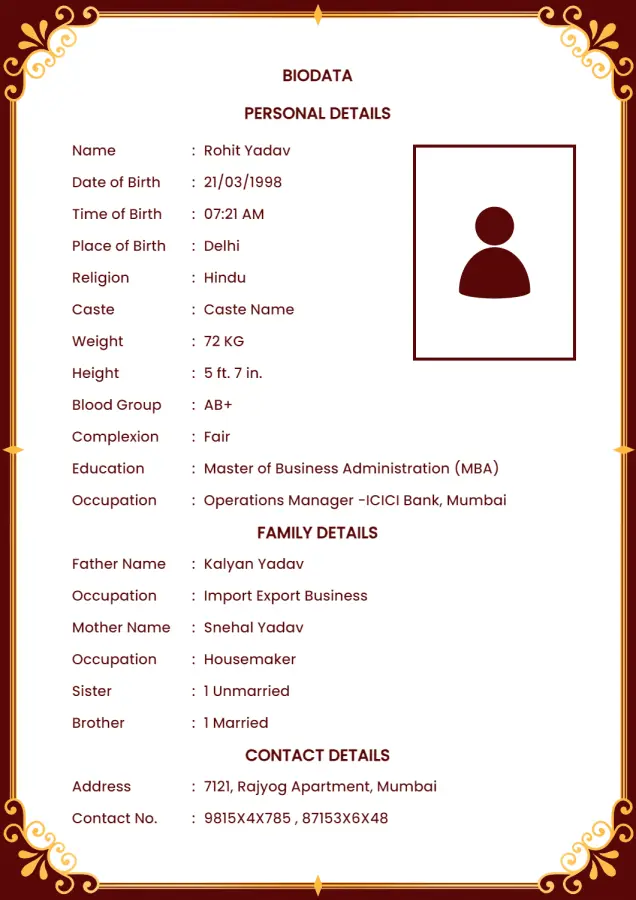
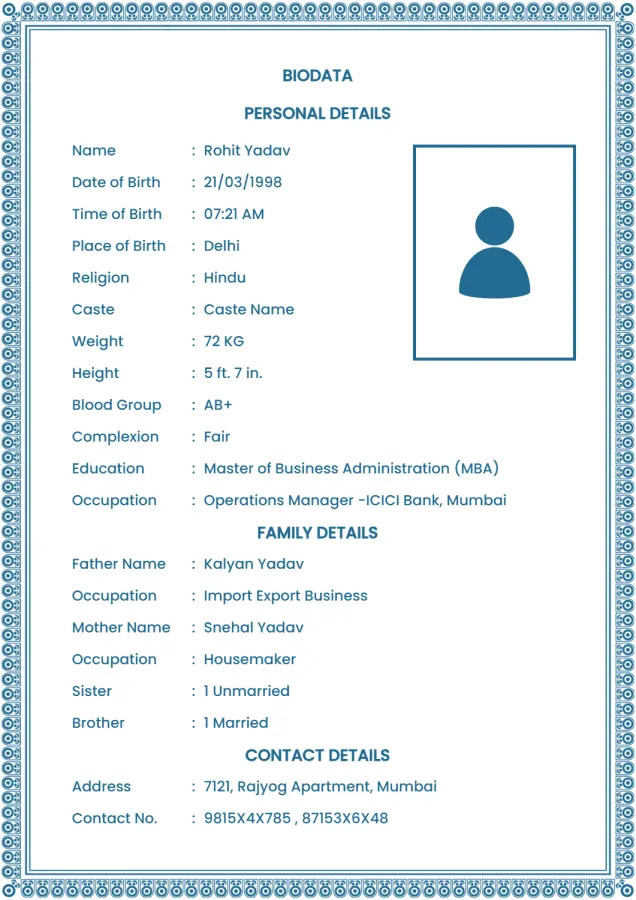
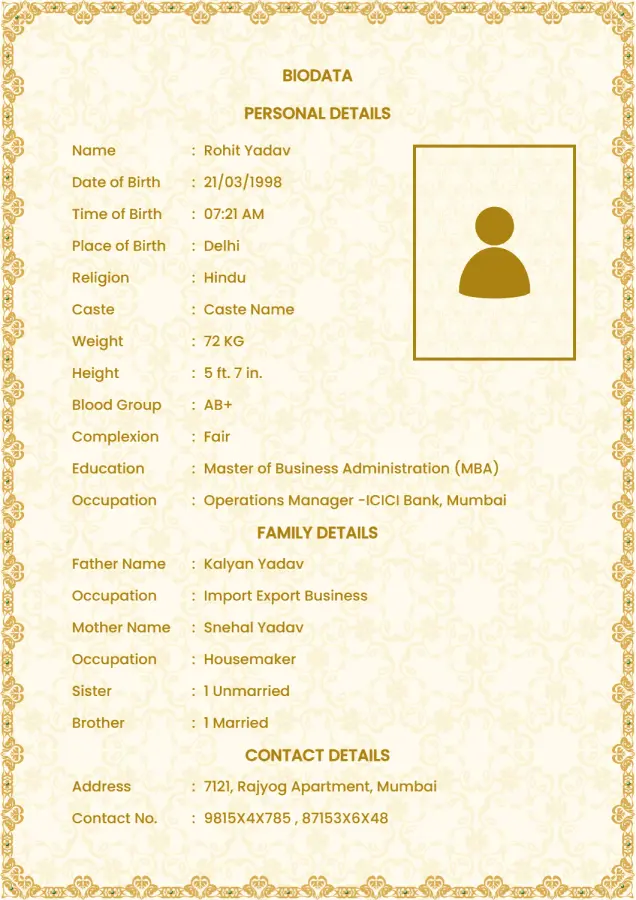
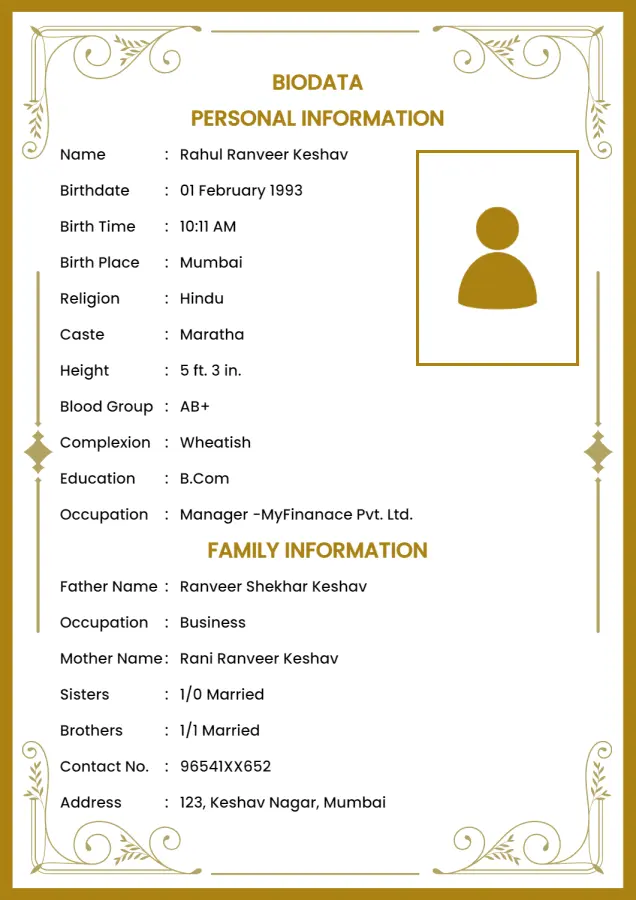
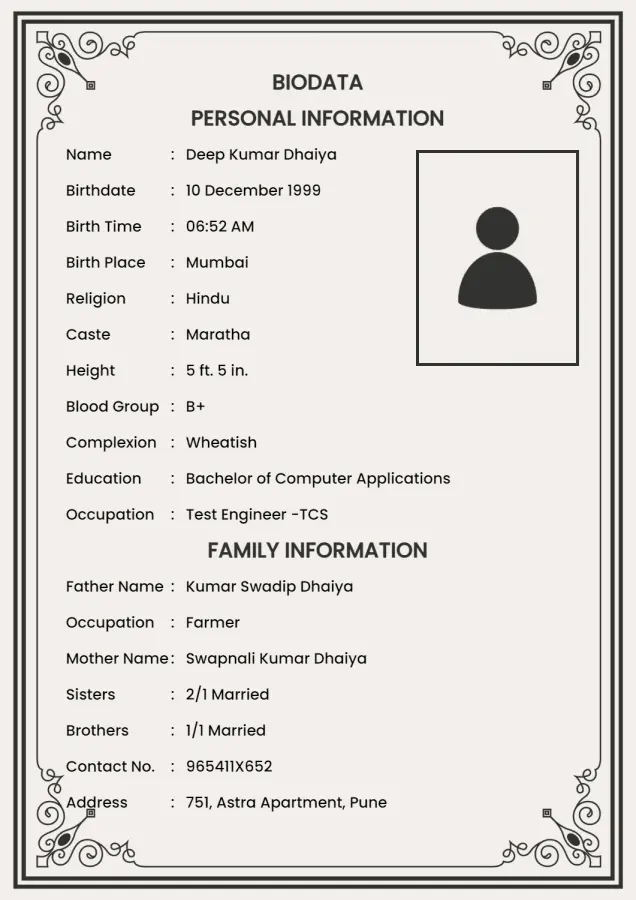
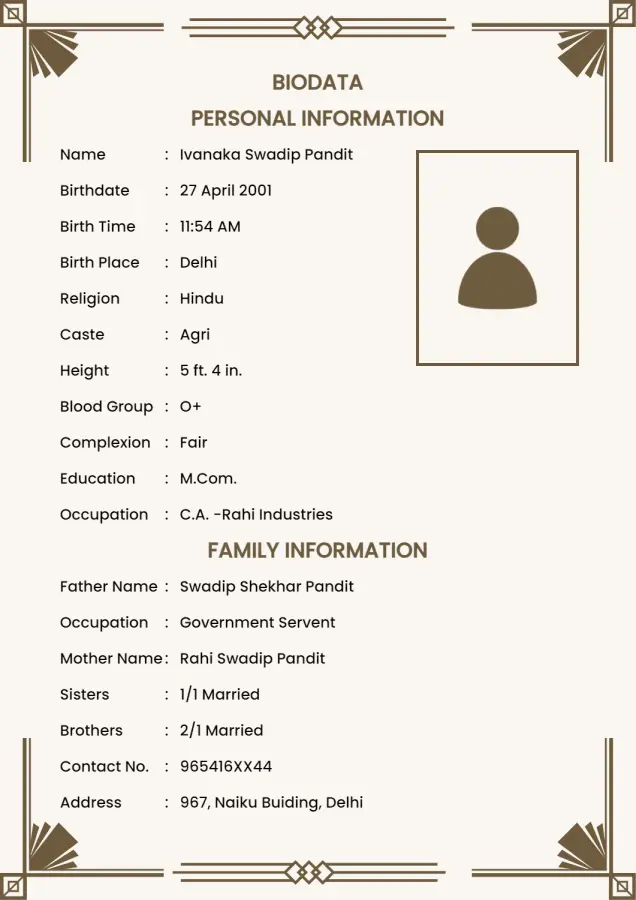
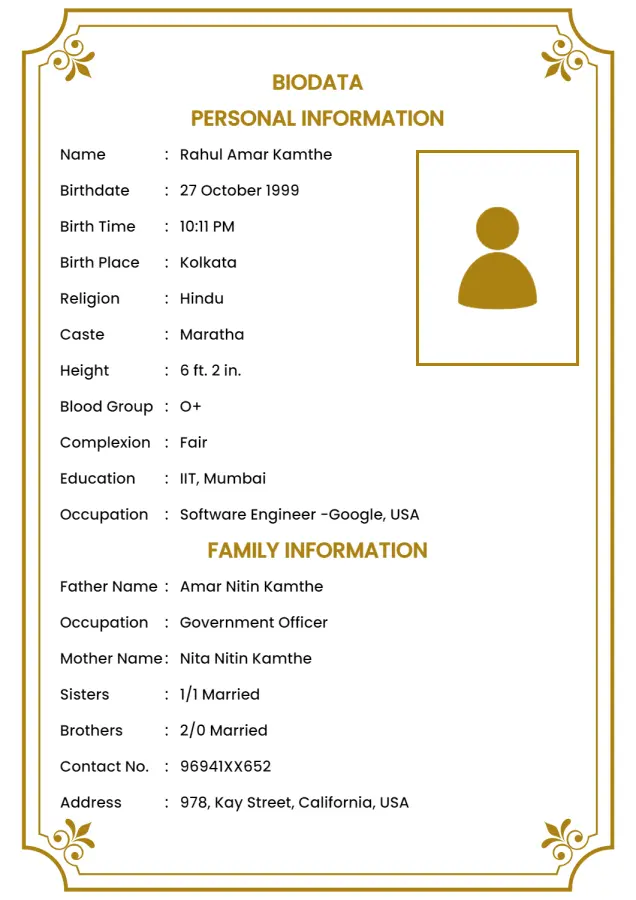
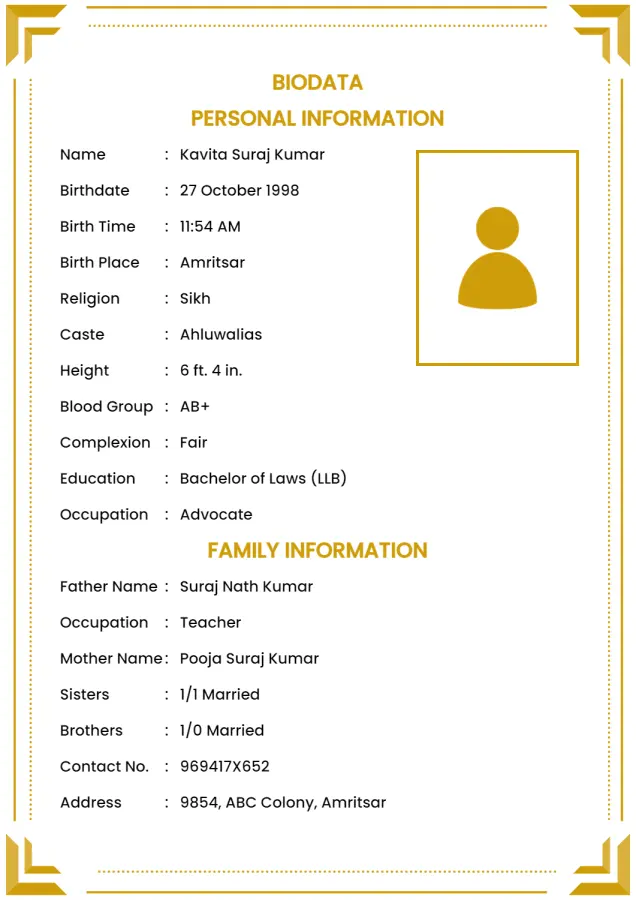
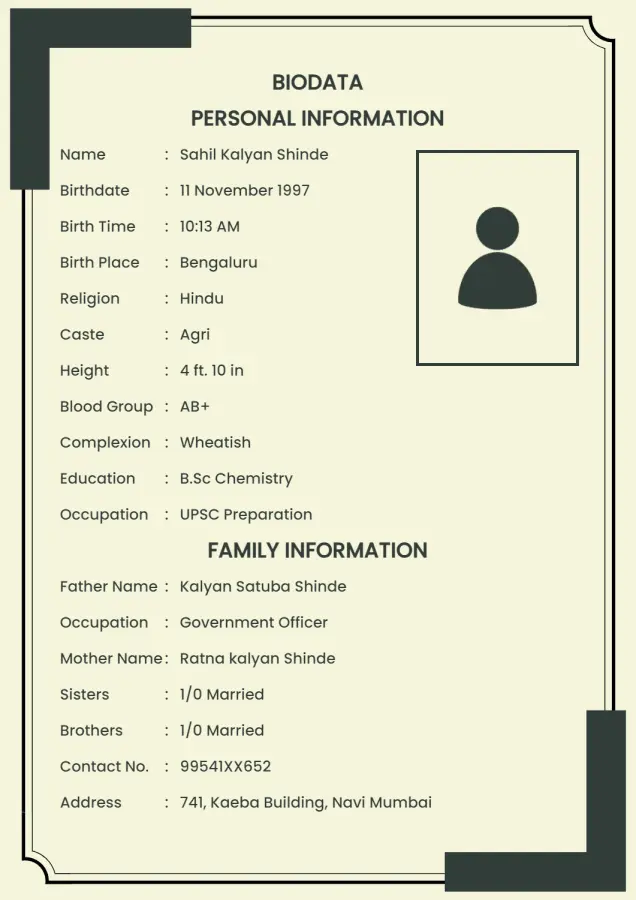
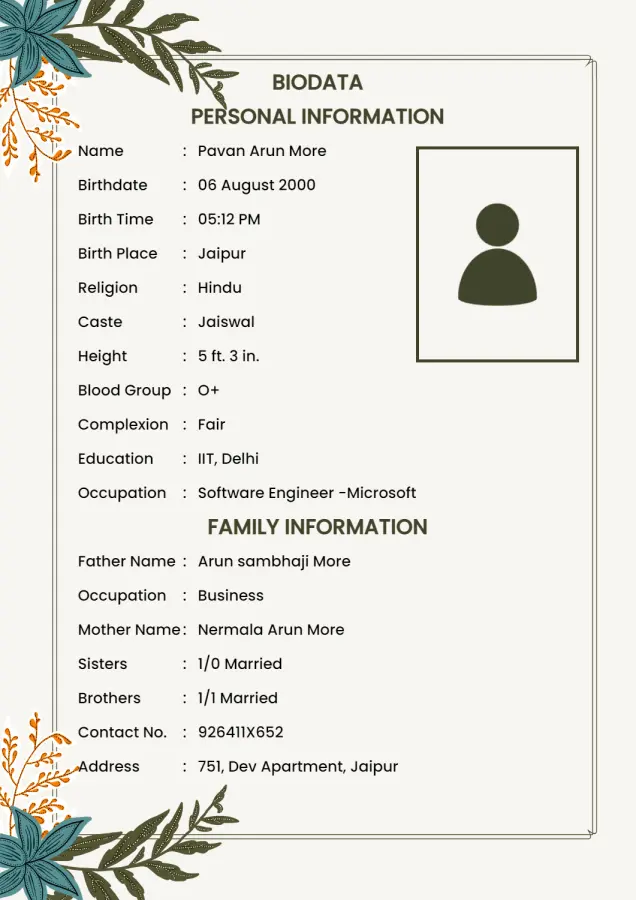
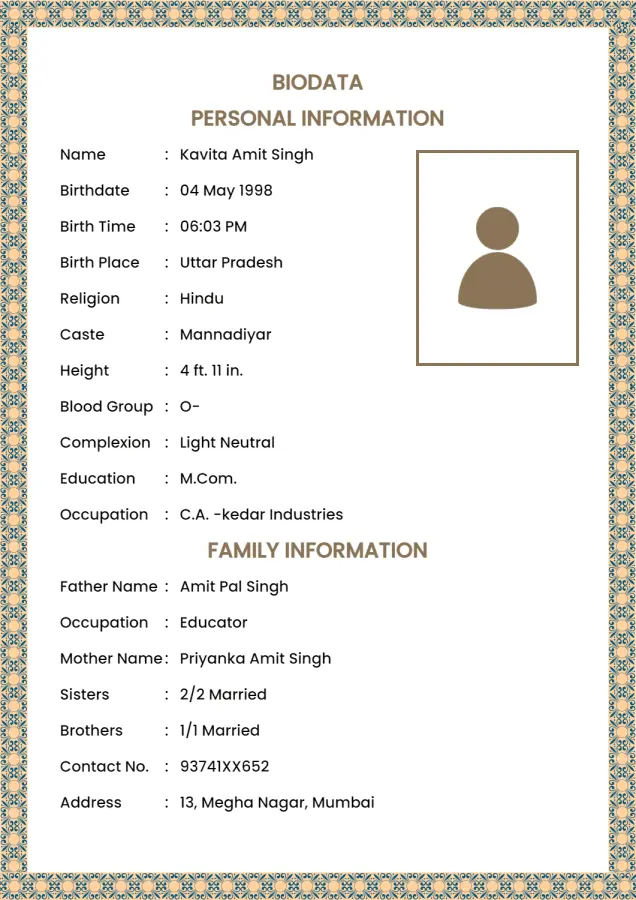
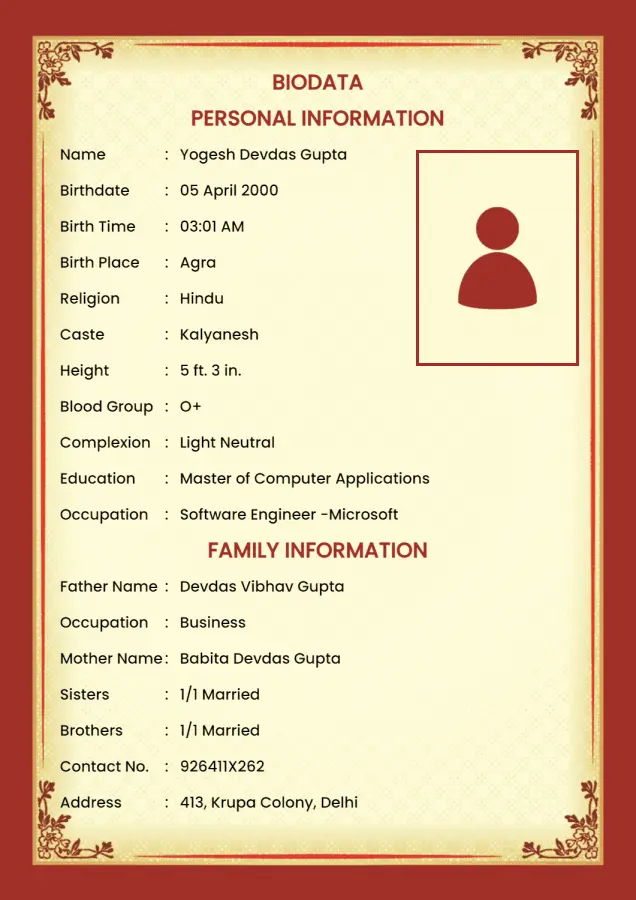
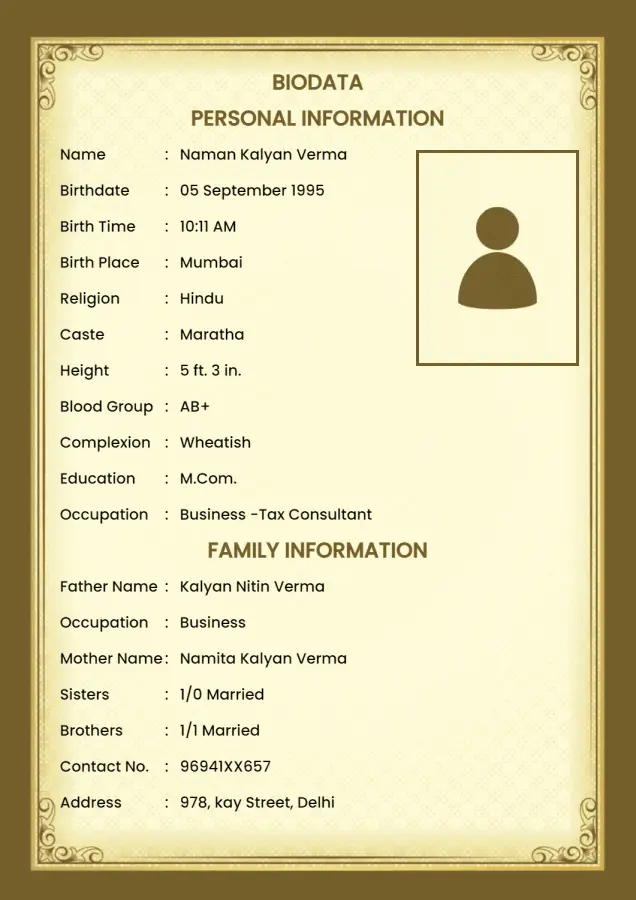
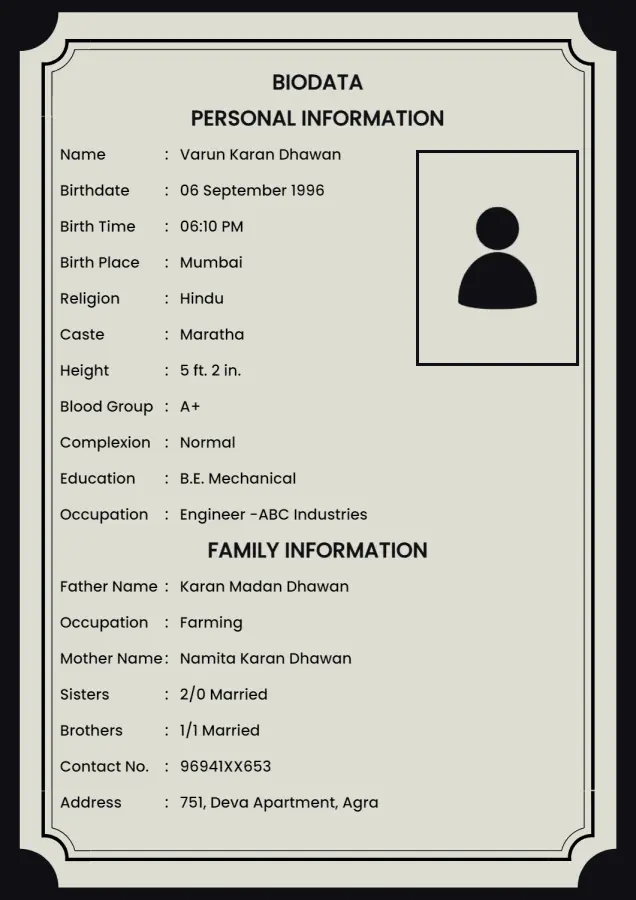
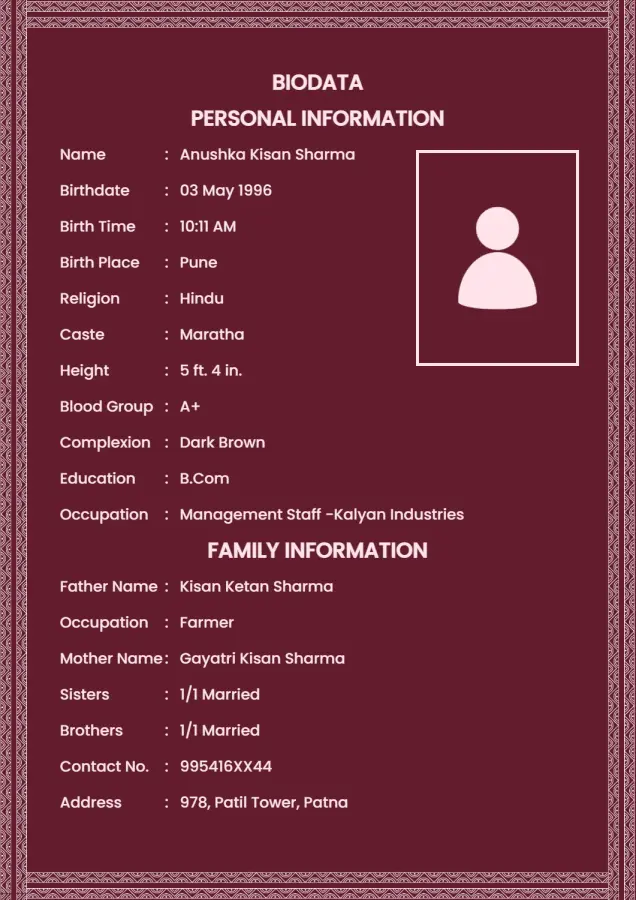
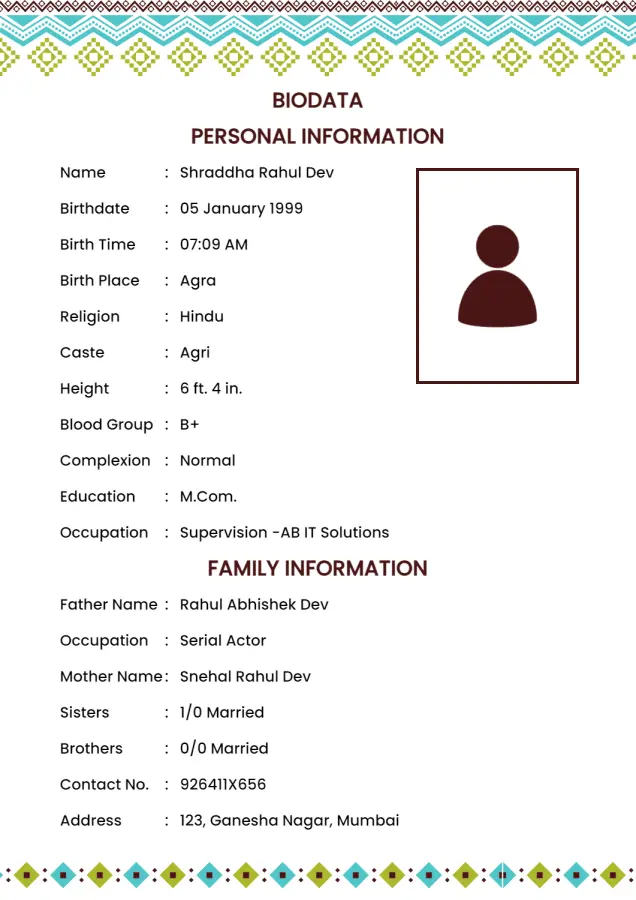
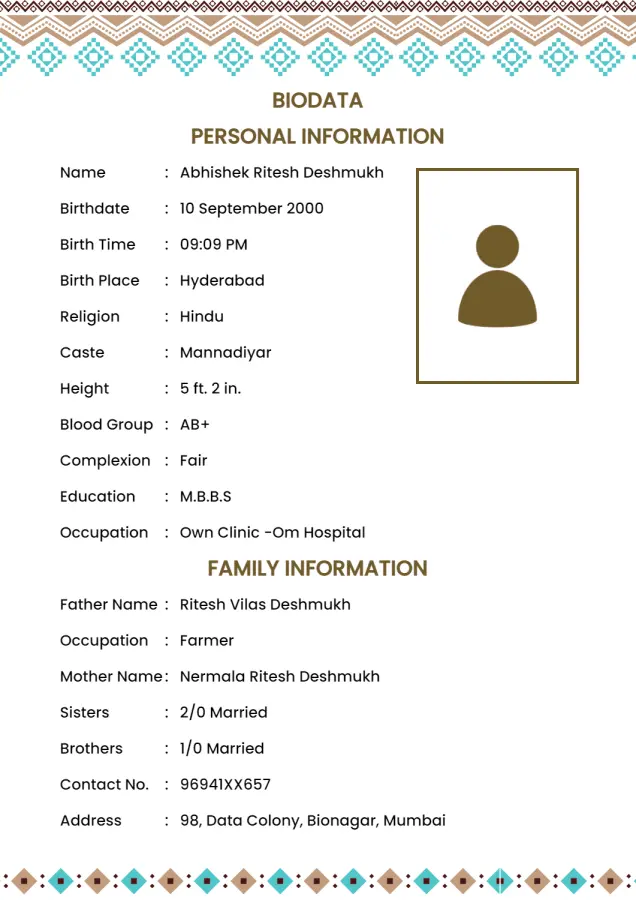
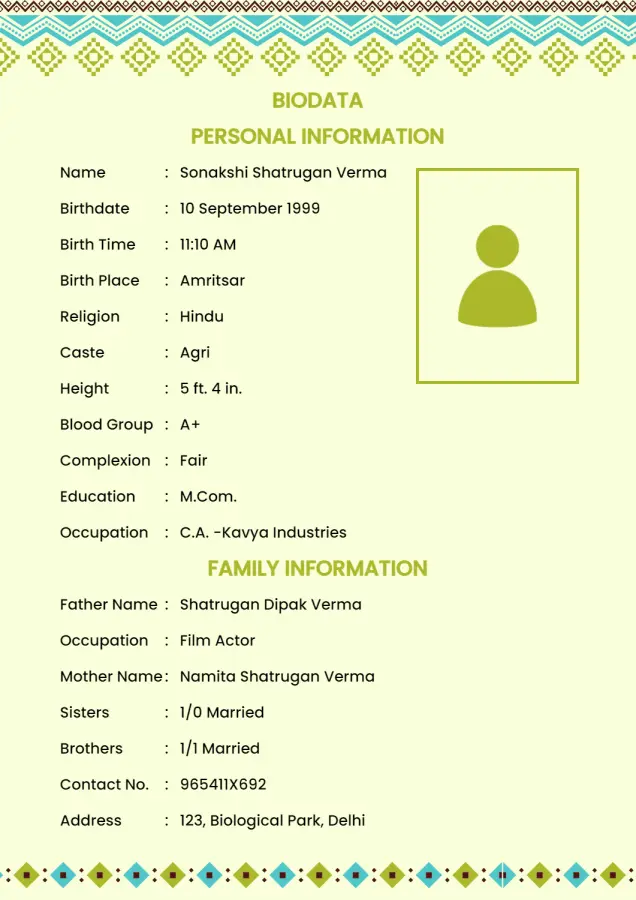
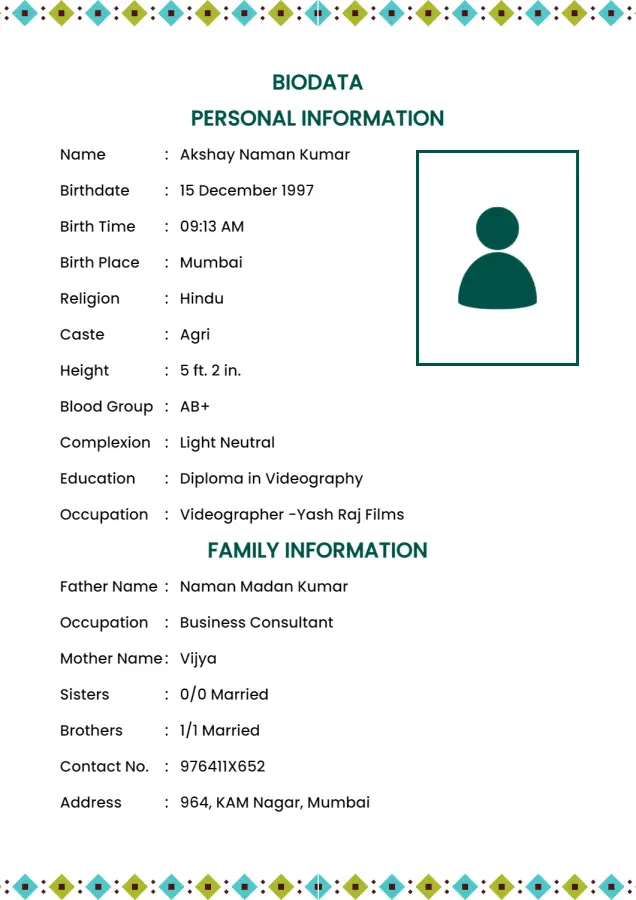
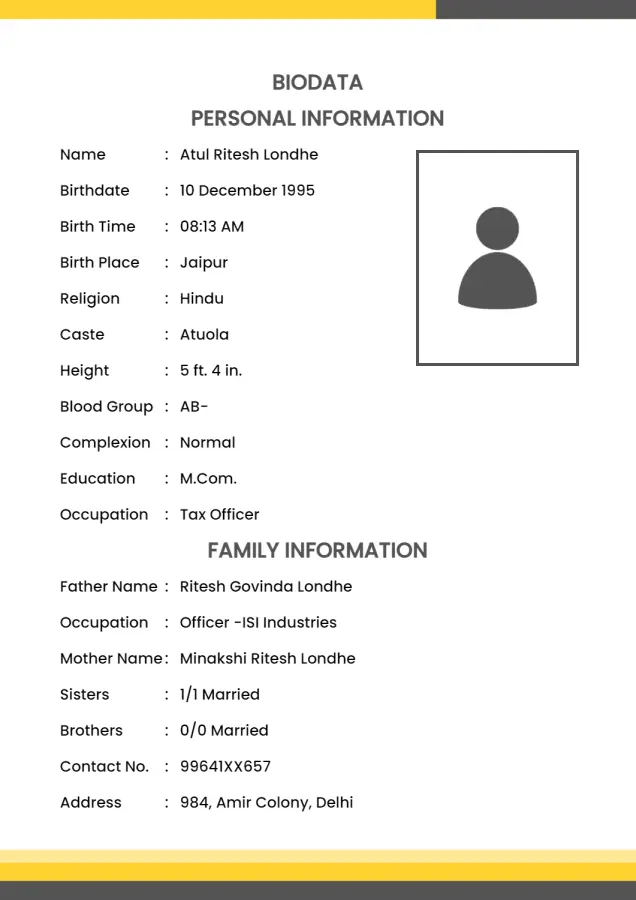
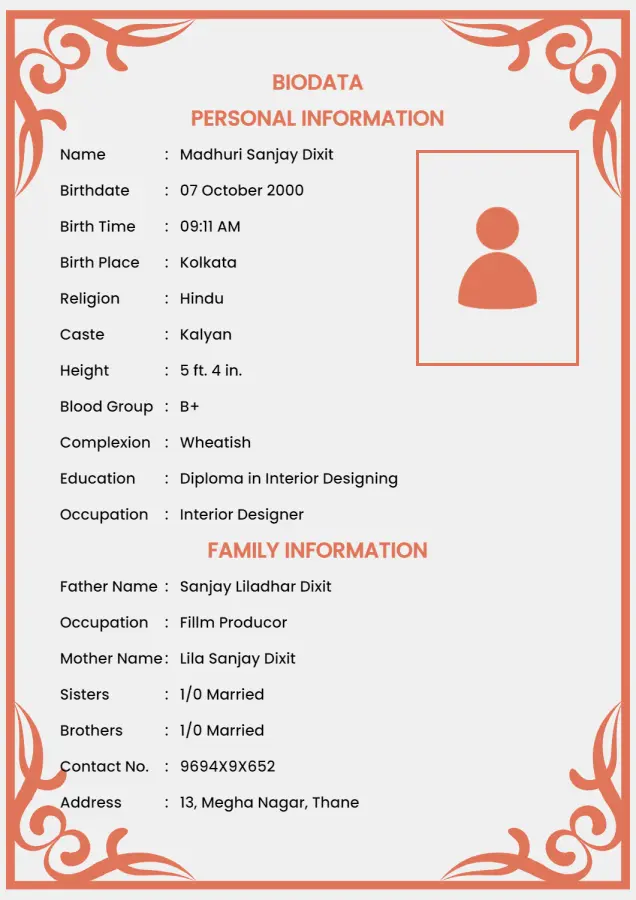
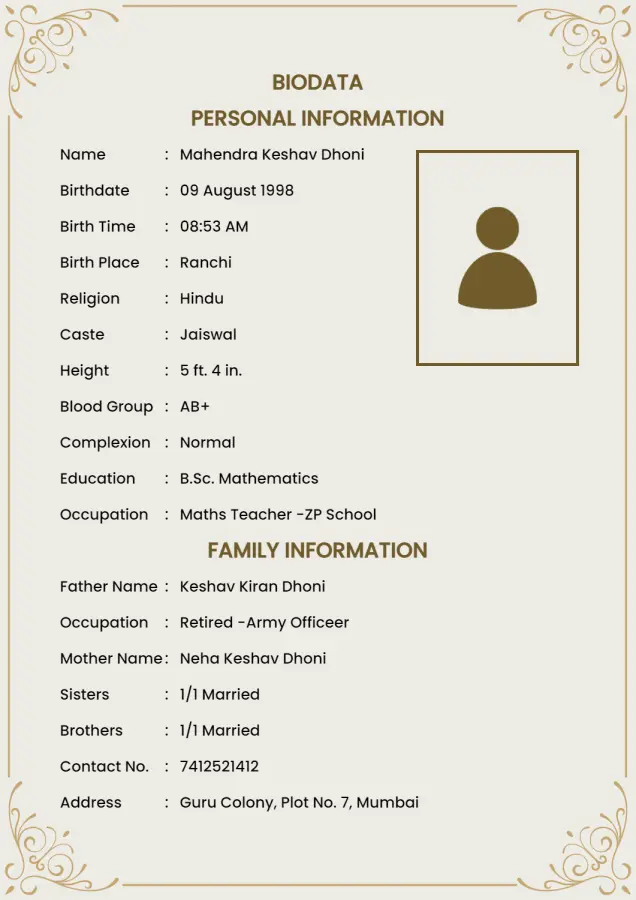
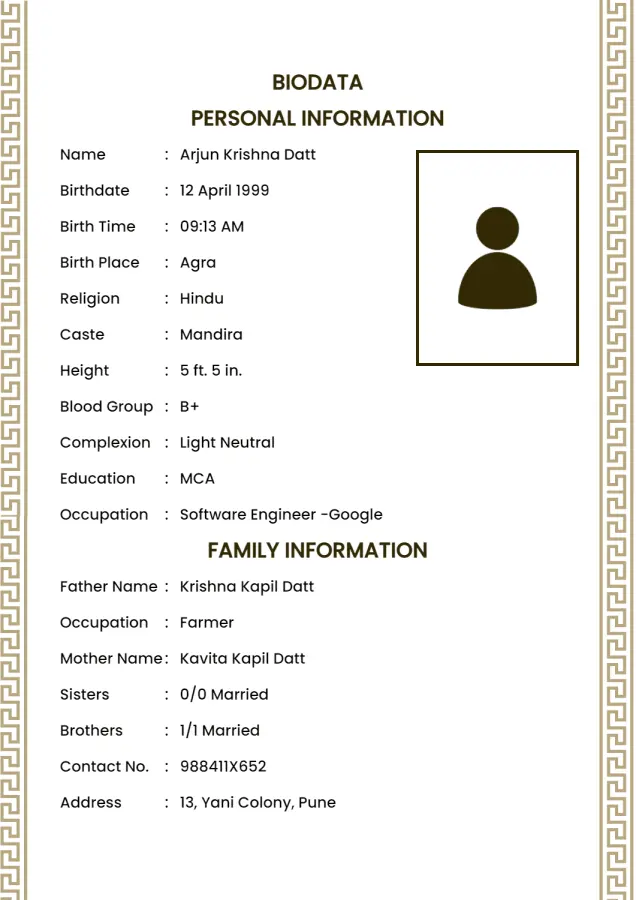
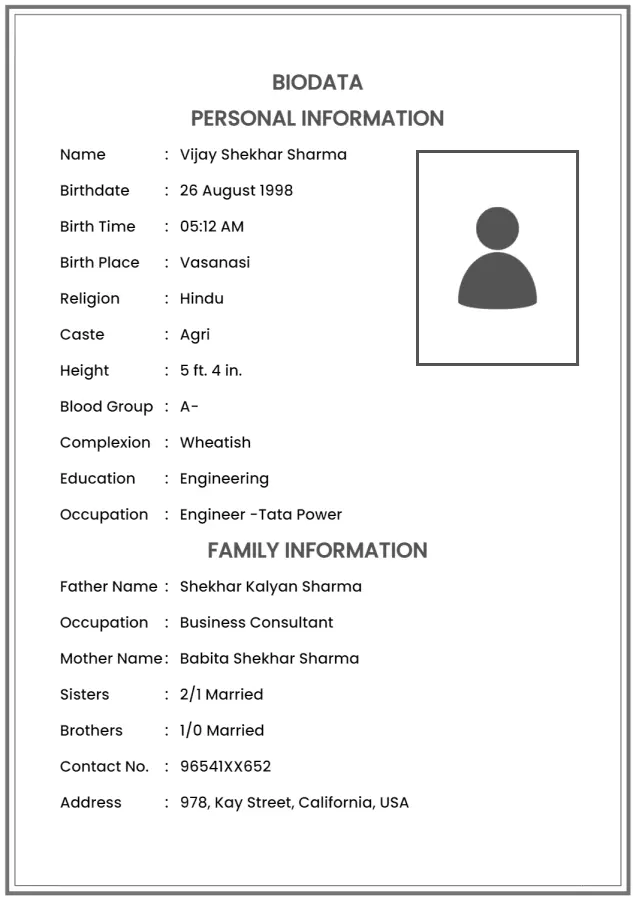
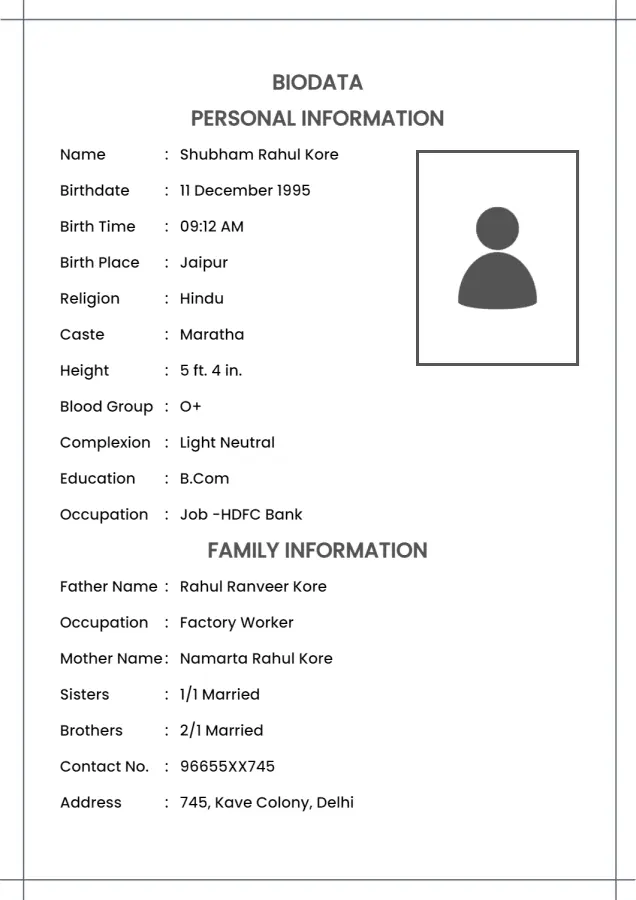
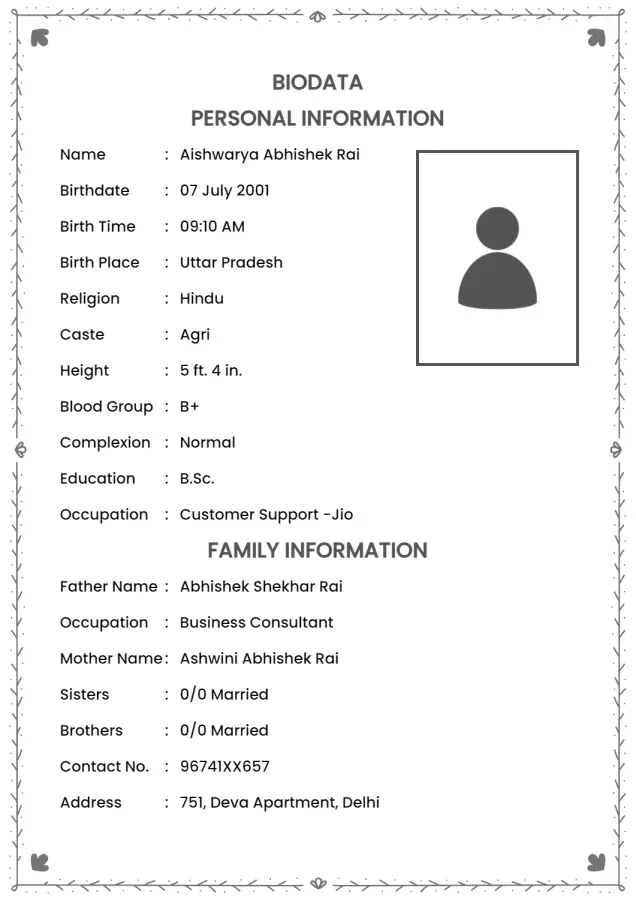
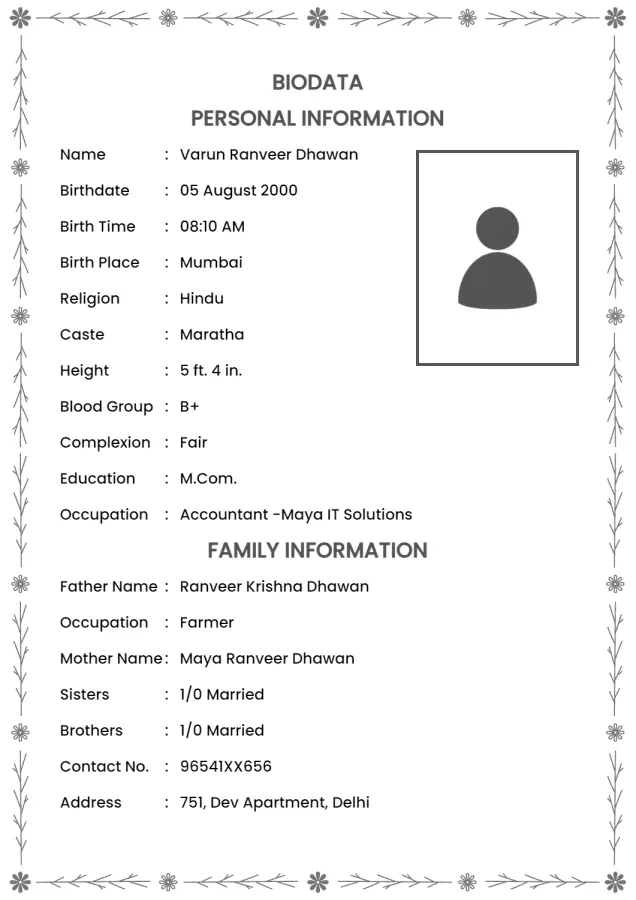
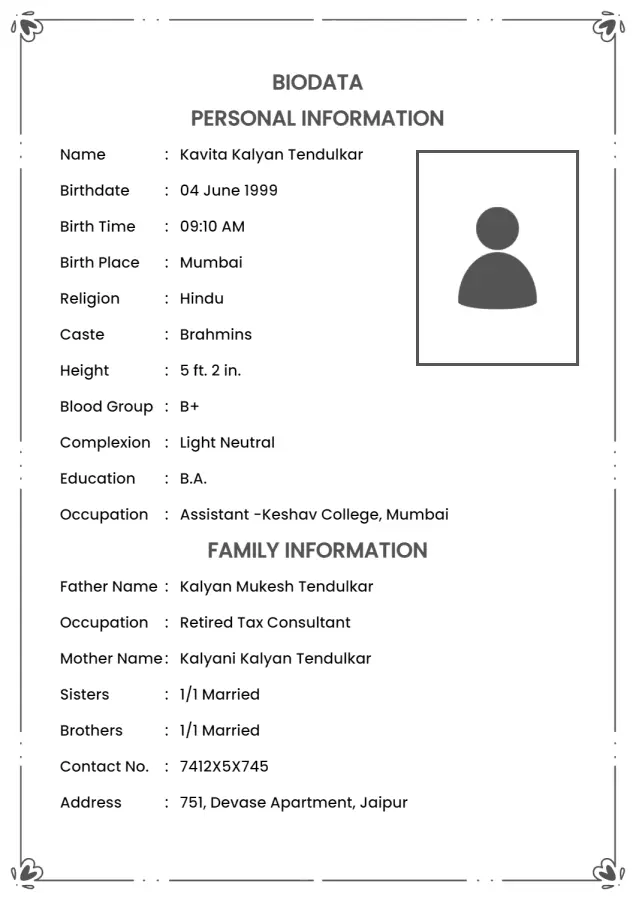
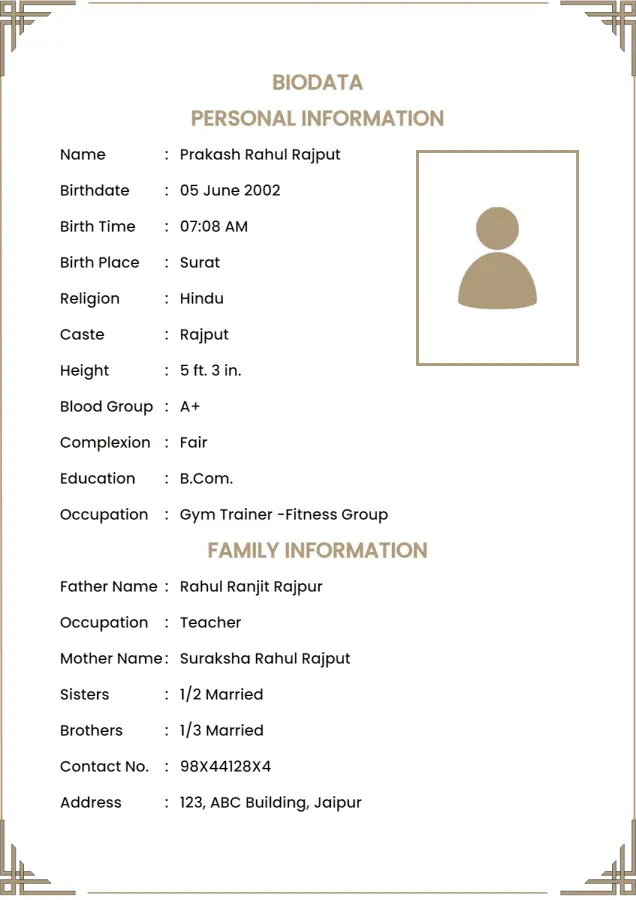
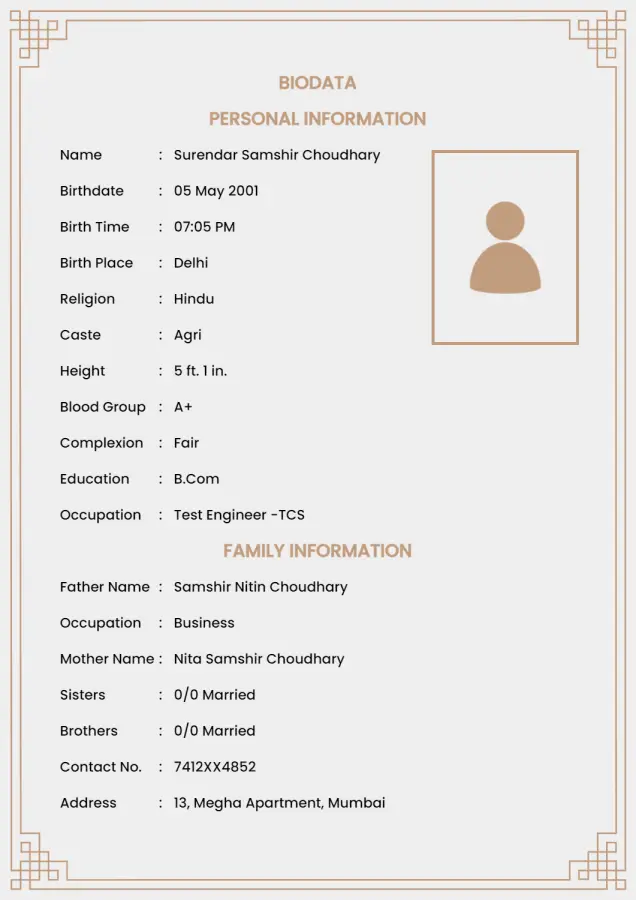
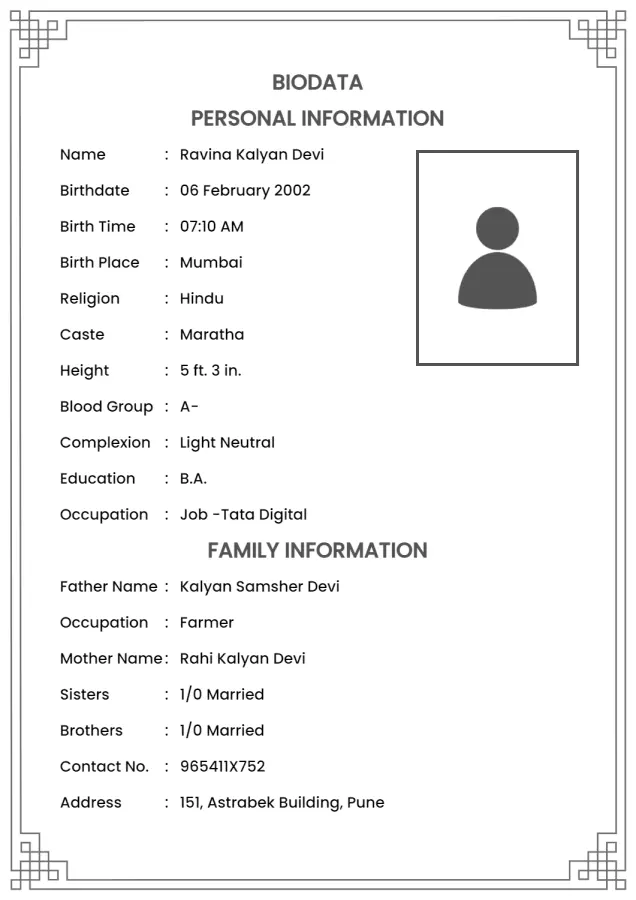
Create Your Marriage Biodata
Create and download a beautiful biodata for marriage within minutes.
Customize, download, and print - it's easy to use, quick, and classy.
: This happens if you forgot to re-enable Google Play Services during Method 1. Restart the process and ensure you enable it right before completing the setup wizard.
The methods outlined in this write-up are for educational purposes only. Bypassingt FRP may void your device's warranty and may not be supported by the device manufacturer. Use these methods at your own risk.
While holding the button, connect the phone to your PC using a high-quality USB-C cable.
The TalkBack method is a manual method to bypass FRP on the LG Velvet 5G. Here's how to use it:
This is a popular "no-PC" method that exploits a timing bug in the setup wizard to skip the Google login.
The most reliable method for newer Android 13 security patches is to temporarily revert the device to an earlier version where a workaround exists, such as Android 10 or 11, perform the bypass, and then re-update.
Release the button when the screen displays or "Firmware Update." Step 3: Execute the FRP Remove Command Open the SamFw Tool (or preferred alternative) on your PC. Ensure your device is detected under the COM ports list. Navigate to the LG tab within the software interface.
An Factory Reset Protection (FRP) lock secures your LG Velvet 5G if it is reset without logging out of the linked Google account. Entering the original Google credentials instantly unlocks the device.
If the methods above do not work, it is likely that your device has a very recent security patch, necessitating a firmware flash or specialized tool (Method 2).
: This happens if you forgot to re-enable Google Play Services during Method 1. Restart the process and ensure you enable it right before completing the setup wizard.
The methods outlined in this write-up are for educational purposes only. Bypassingt FRP may void your device's warranty and may not be supported by the device manufacturer. Use these methods at your own risk.
While holding the button, connect the phone to your PC using a high-quality USB-C cable.
The TalkBack method is a manual method to bypass FRP on the LG Velvet 5G. Here's how to use it:
This is a popular "no-PC" method that exploits a timing bug in the setup wizard to skip the Google login.
The most reliable method for newer Android 13 security patches is to temporarily revert the device to an earlier version where a workaround exists, such as Android 10 or 11, perform the bypass, and then re-update.
Release the button when the screen displays or "Firmware Update." Step 3: Execute the FRP Remove Command Open the SamFw Tool (or preferred alternative) on your PC. Ensure your device is detected under the COM ports list. Navigate to the LG tab within the software interface.
An Factory Reset Protection (FRP) lock secures your LG Velvet 5G if it is reset without logging out of the linked Google account. Entering the original Google credentials instantly unlocks the device.
If the methods above do not work, it is likely that your device has a very recent security patch, necessitating a firmware flash or specialized tool (Method 2).
Your trusted online marriage biodata maker, loved by users worldwide
englishbiodata.com is your simple solution for creating marriage biodata online, straight from the web, with 100% security.